Subdomain ain't resolving
JellyFish's avatar JellyFish
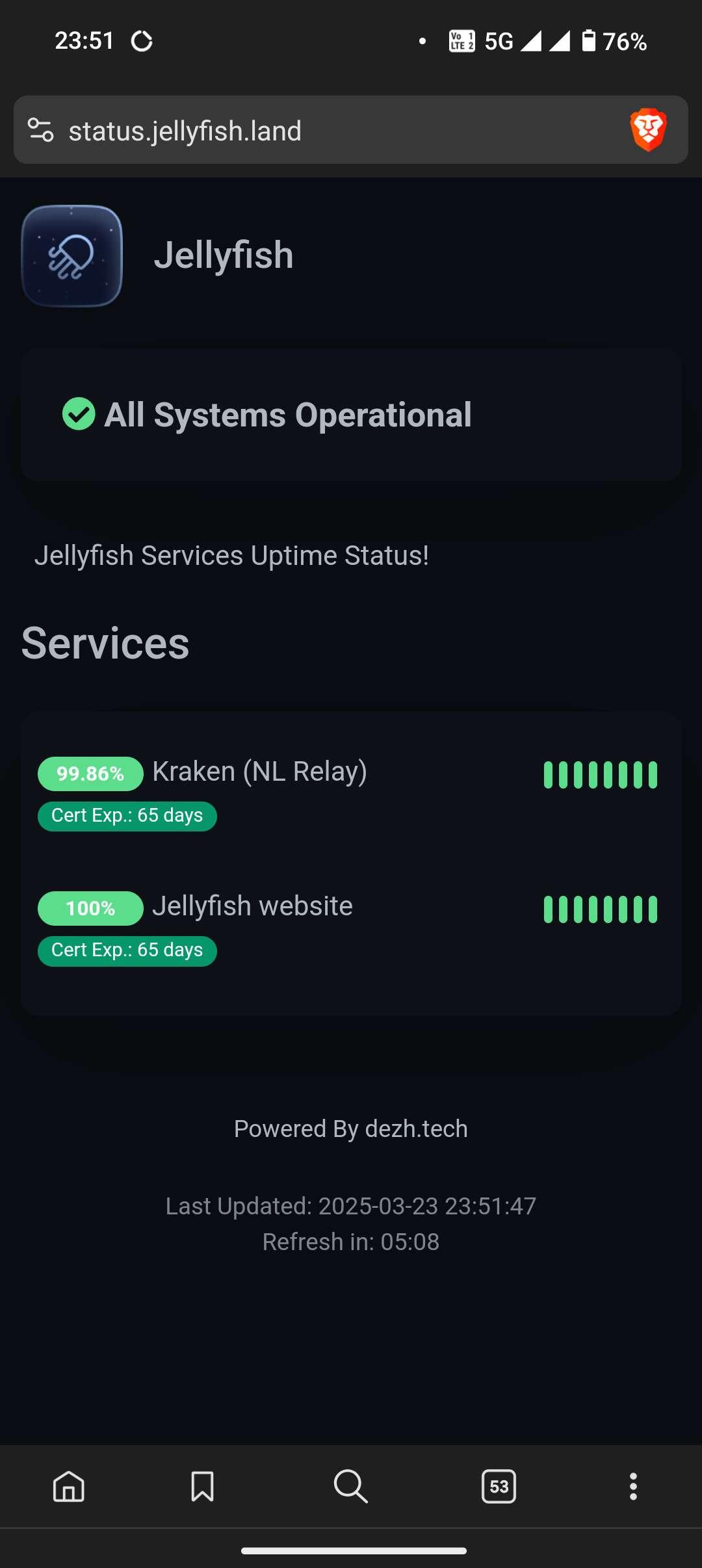
πŸš€ Introducing Our Service Monitoring We’re excited to announce the launch of our official service monitoring! πŸŽ‰ πŸ” https://status.jellyfish.land provides real-time status updates and performance insights for Jellyfish Nostr services. Stay informed about uptime, incidents, and maintenance updates in one place. This is the best way to check for disruptions if you're using our services. πŸ‘‰ Visit now: https://status.jellyfish.land πŸ›Έ Gain access to our relay service at: https://jellyfish.land/relay #Nostr #Jellyfish #Monitoring πŸš€
View quoted note →

Replies (17)

Getting this error in Chrome on Android: This site can’t be reached status.jellyfish.land refused to connect. Try: Checking the connection ERR_CONNECTION_REFUSED
JellyFish's avatar JellyFish
We are currently experiencing some network blockages. β›”πŸŒ Shortly after our launch, several users reported that our domain was flagged as insecure by certain network and security setups. We have investigated various security scores and found inconsistencies in these assessments. Additionally, some users have encountered connectivity issues when attempting to access our domain. We kindly request your assistance. πŸ™ Please check if our domain resolves for you. If you encounter any errors, we would greatly appreciate it if you could share those details with us. This will help us identify and resolve the issue. Thank you for your support! πŸͺΌ β™₯️
View quoted note →
I managed to access the jellyfish.land page after adding an exception to my firewall/security software. Using a VPN or even switching networks completely (e.g., using 5G instead of WiFi) will only work if the traffic is being blocked at the local network or ISP level. If a user has a security endpoint enabled on their device (which many will, as these often come bundled with their OS, browser, etc.) a VPN won’t be effective.
I cannot reach your site from my ISP's network it appears. (My home network is owned/operated by myself so this isn't any sort of end user security software or firewall)
Unfortunately, IME, chances are that this isn’t an accidental / peering problem. A lot of ISPs are blacklisting domains that have been classified as "malicious" or "phishing" by somewhat trigger happy security companies. Also, even before checking with your ISP, assuming that you don't have a dedicated firewall or internet security software, do have a look at your router admin console if you have access to it. Nowadays, most routers have built-in home network security functionality. For example, Asus routers have "AiProtection", Netgear routers have "Armor", TP-Link has "HomeShield" and so on. I believe most of them have their security services enabled by default out of the box. They all essentially defer to a "select" group of security companies to identify threats (Trend Micro, Bitdefender, etc.), and these companies often copy each other’s homework. So, it would be interesting to check if jellyfish.land is not being flagged as a "malicious website" and blocked by one of these mechanisms.
Also, these threads are talking about same issue: View quoted note β†’ 🫑❀️⚑
Anthony Accioly's avatar Anthony Accioly
@npub1h49w...9kay I assume that you are behind the service. It looks like it is already down unfortunately. SSL certificate issues, NIP-05 validation problems, etc. Not bashing by the way - things do go wrong. Plus... I’ve faced attacks in the past just for offering free software and services on Nostr. Imagine if I were actually charging for it. Unfortunate timing for sure. Hopefully, this is just maintenance window or an infrastructure issue rather than a targeted attack.
View quoted note →
↑