svrgnty's avatar
svrgnty
svrgnty@svrgnty.com
npub17wmr...kms8
Bitcoin
svrgnty's avatar
svrgnty 1 year ago
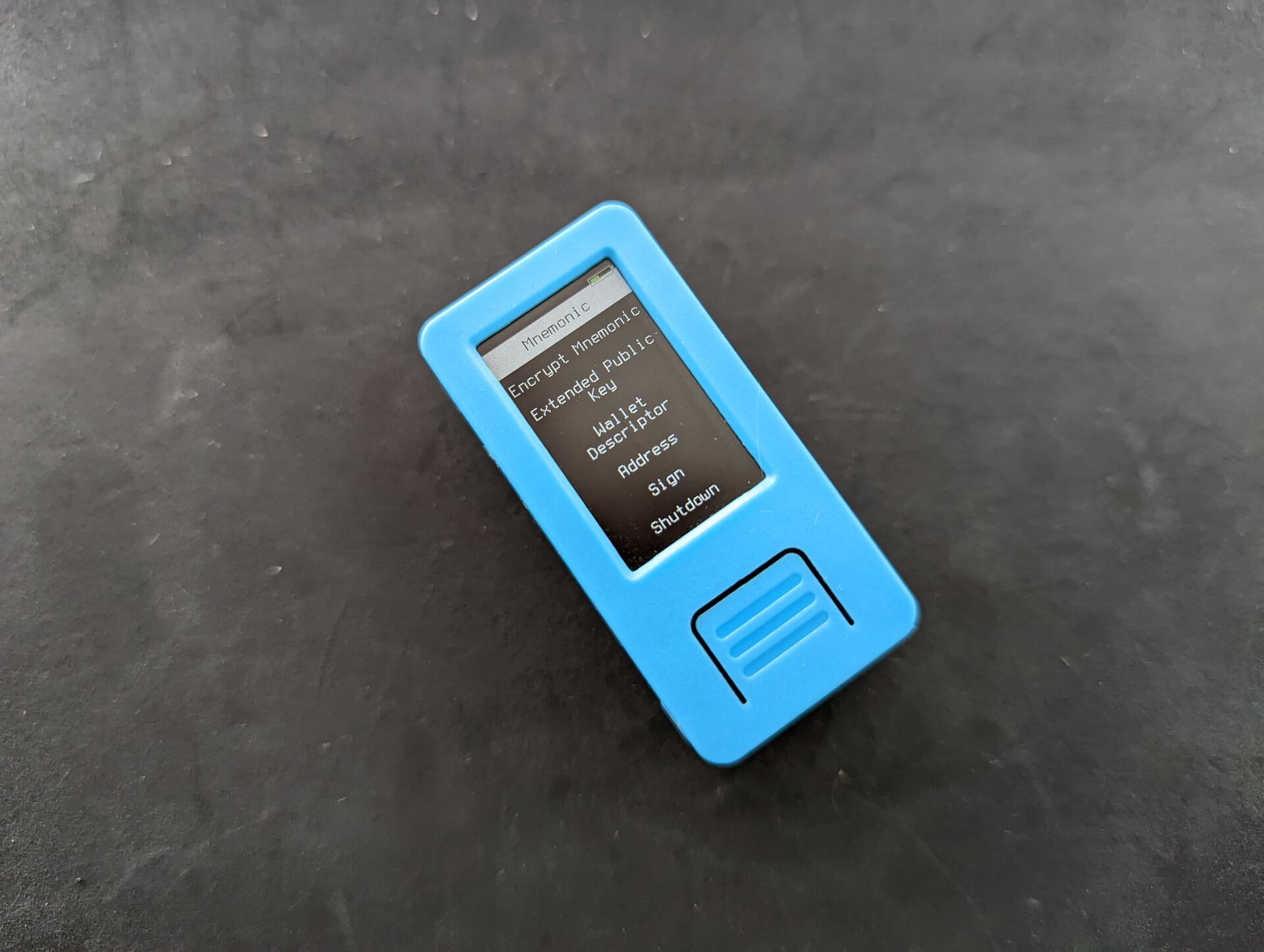
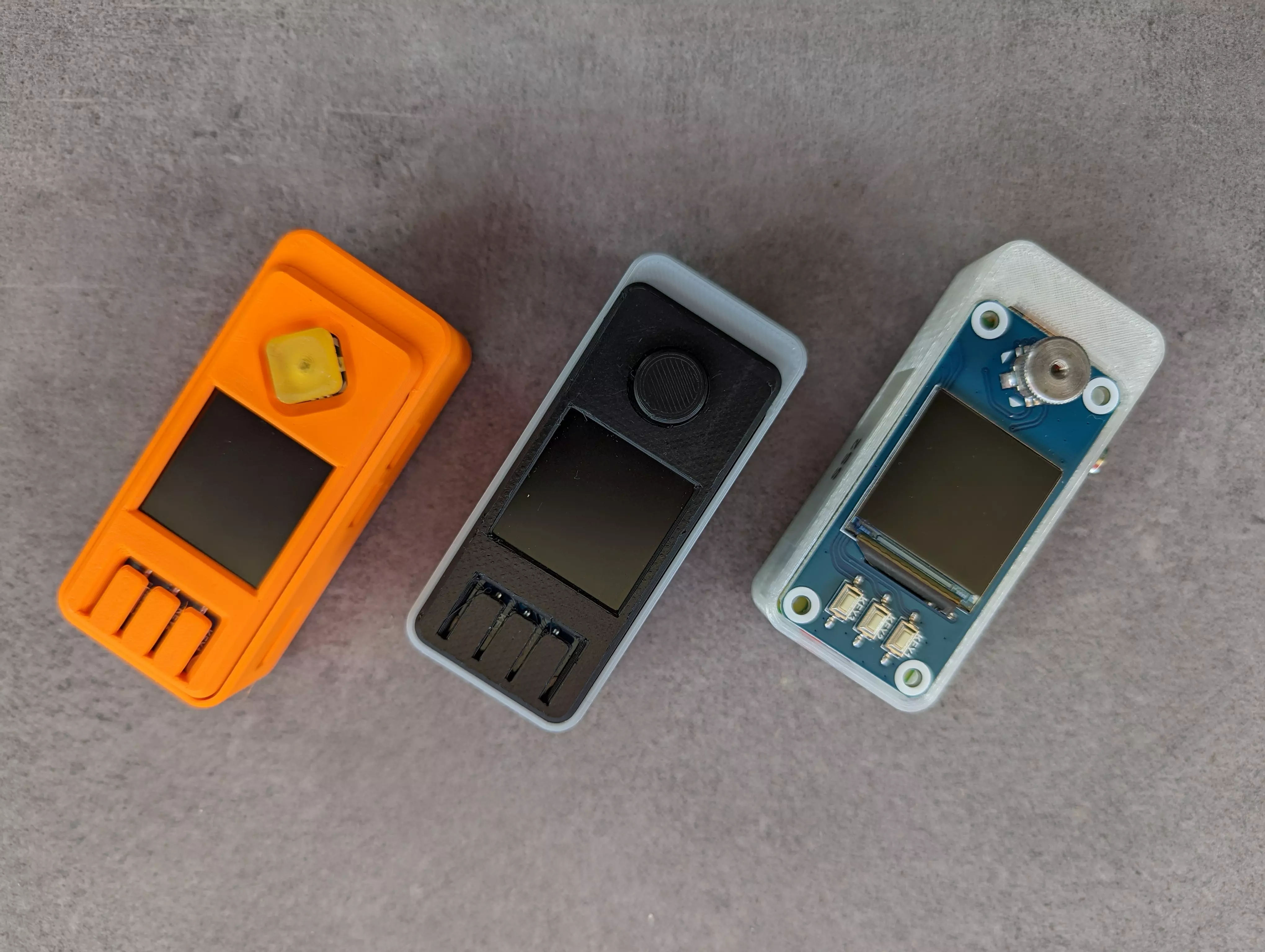
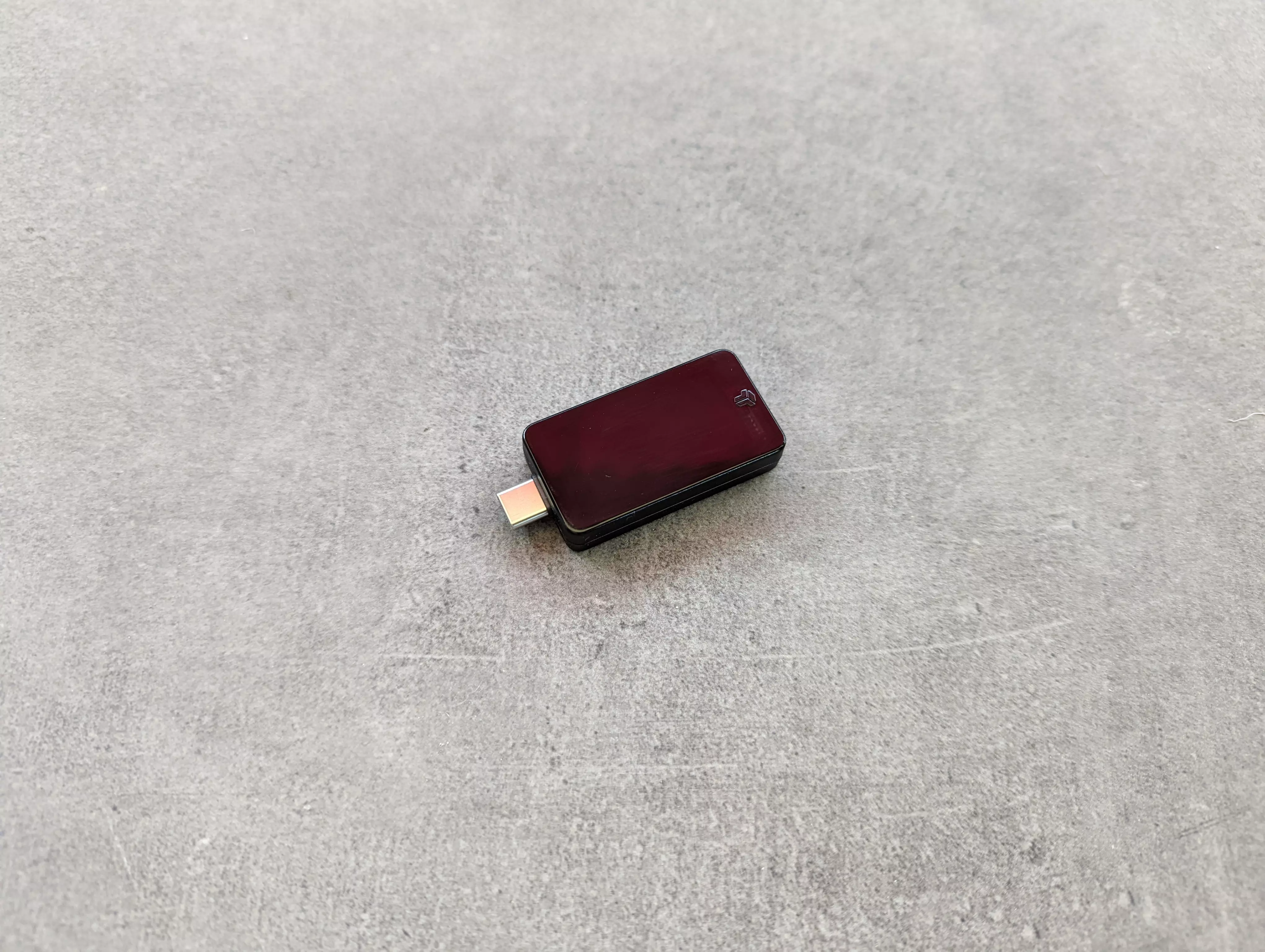
4/ Good Krux + Awesome open source project that works on off the self devices + Supported on many devices. Don't want a battery? Get a device without. Want a larger screen? Get a larger screen device + No assembly required, just flash it (also very easy) Neutral Krux ~ Stateless, requires importing seed every time it is used ~ Though supported on multiple devices, some are hard to get. I tested the M5StickV but really wanted to try the Maix Amigo, which is sold out almost everywhere Overall Nothing negative to say on this project, it's great ๐Ÿ’ช and a perfect addition e.g. to a stateless multisig setup with @SeedSigner and @Blockstream Jade for a multi-vendor setup, reducing the risk of both supply chain attacks and device-specific attacks. image
svrgnty's avatar
svrgnty 1 year ago
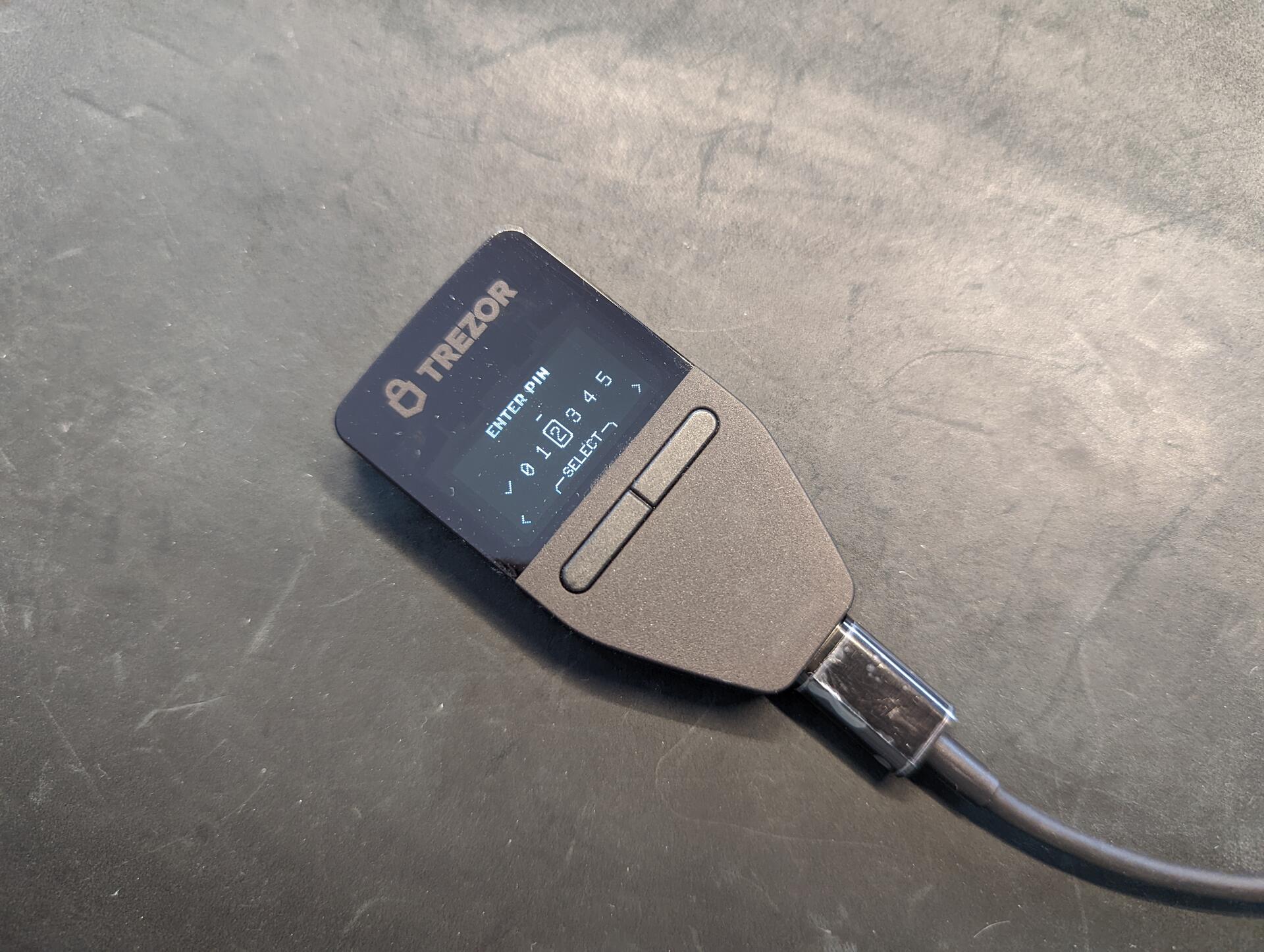
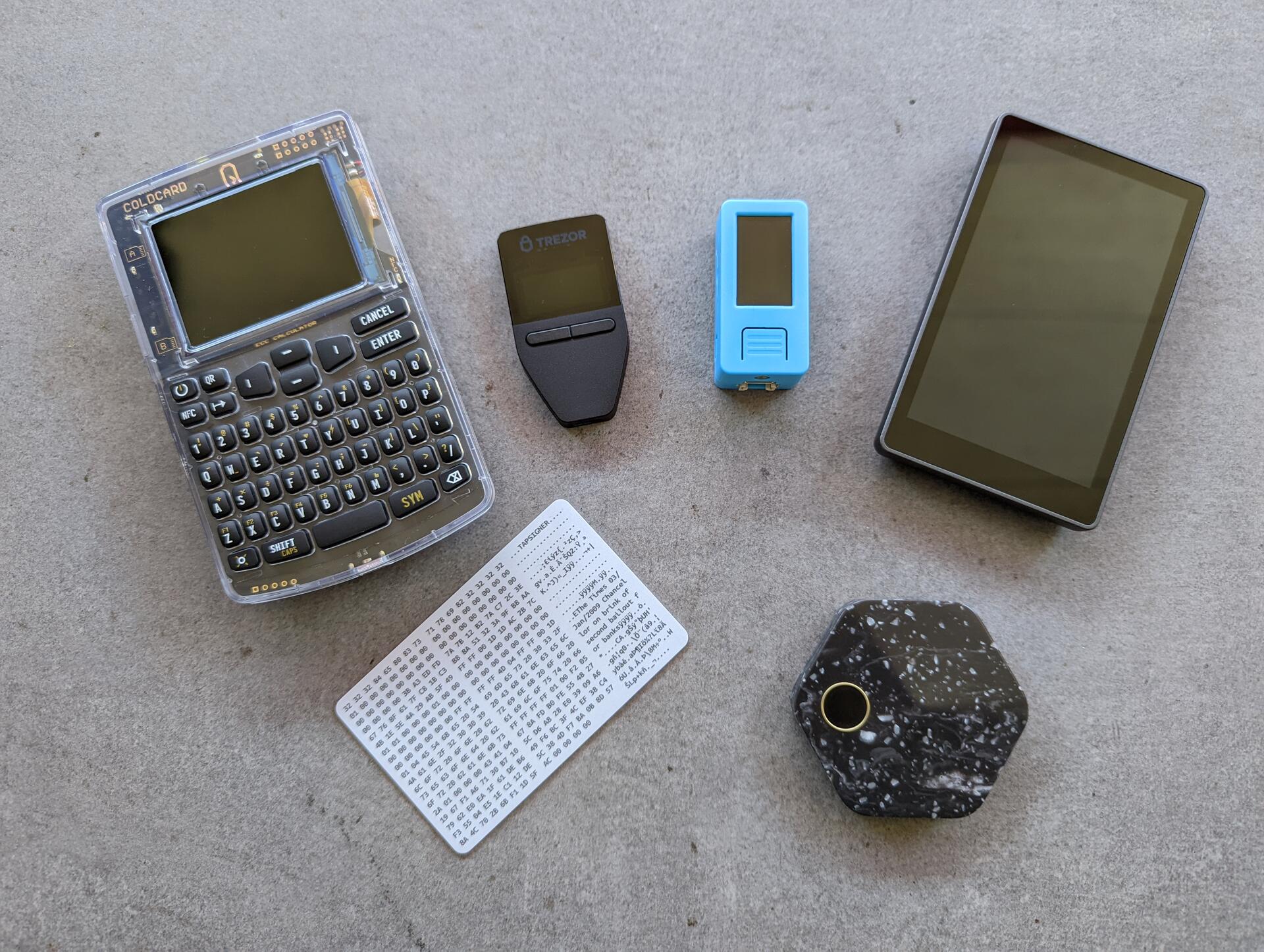
3/ Good Trezor Safe 3 + First Trezor hardware wallet with a secure element + Open source + Easy to use and beginner friendly Neutral Trezor Safe 3 ~ It is basically a Trezor One with a slightly new look and secure element Bad Trezor Safe 3 - Requires Trezor Suite (desktop or web) to initialize and install firmware, meaning you need to install software - USB only, which means again that it requires additional software (trezor bridge) e.g. for it to work with Specter Desktop Overall Decent hardware wallet if you don't mind installing additional software. It is good to have as an emergency backup device stored with an inheritance/recovery plan, given there is no battery, it is small, and easy to use for beginners too image
svrgnty's avatar
svrgnty 1 year ago
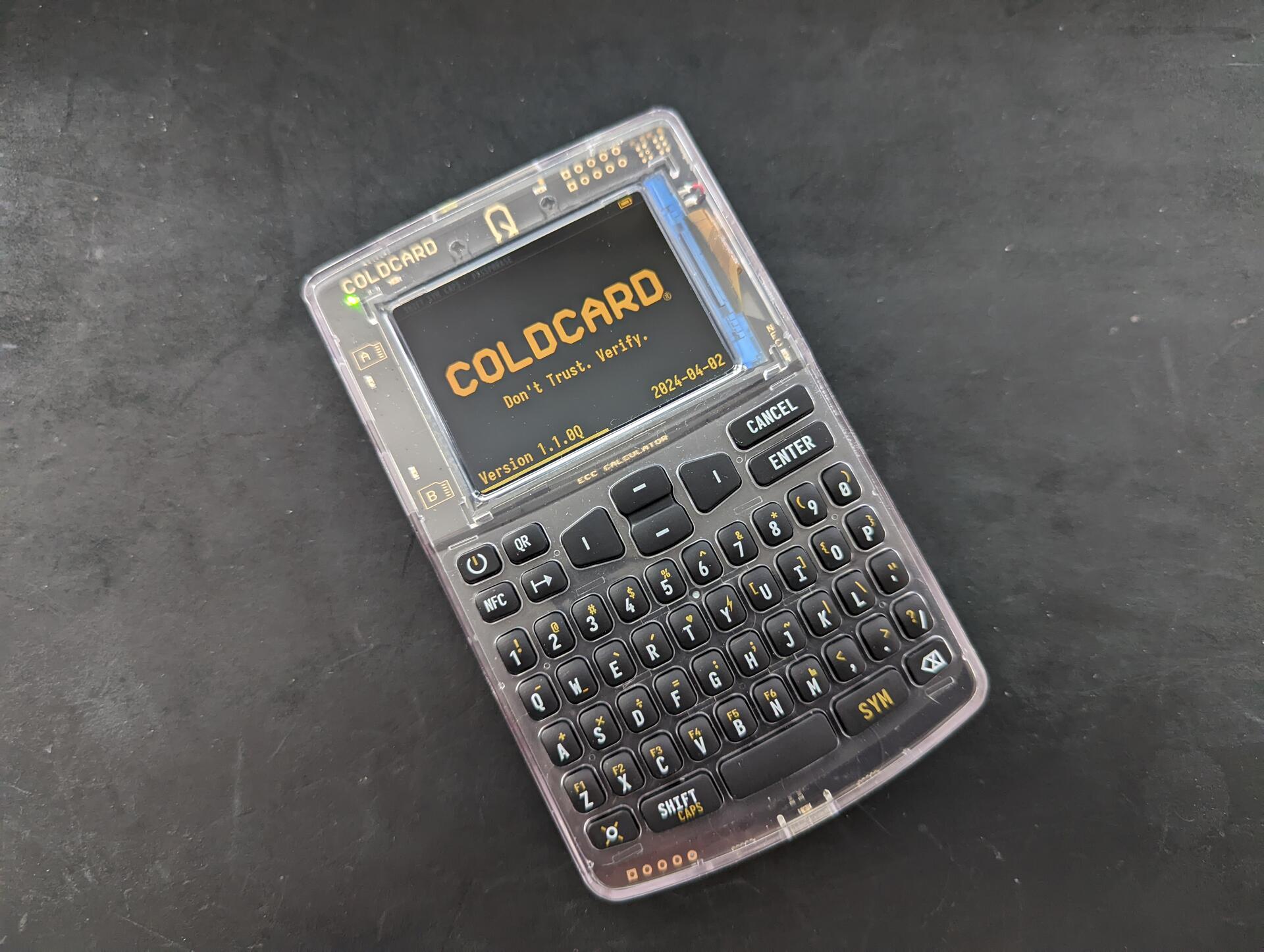
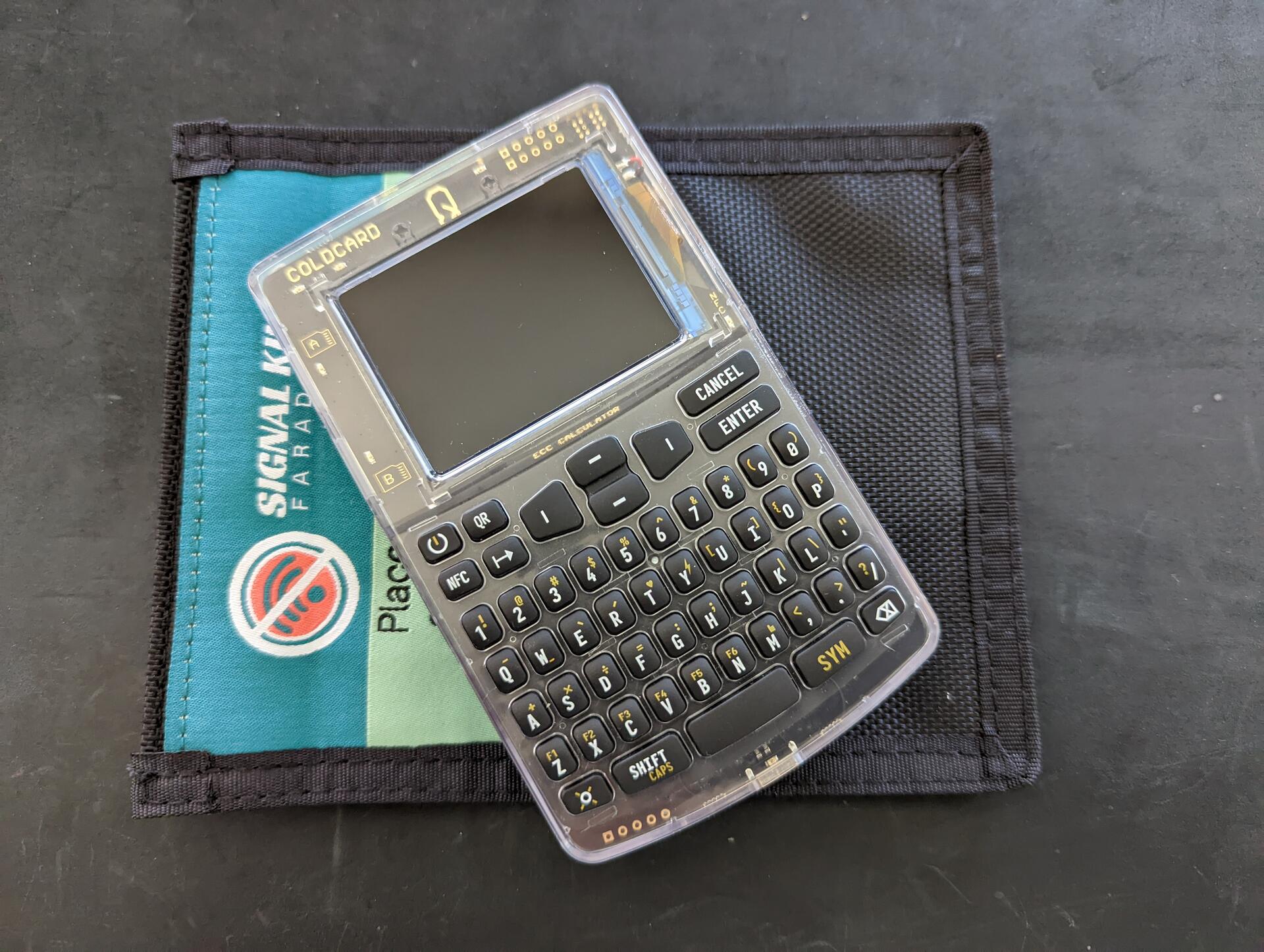
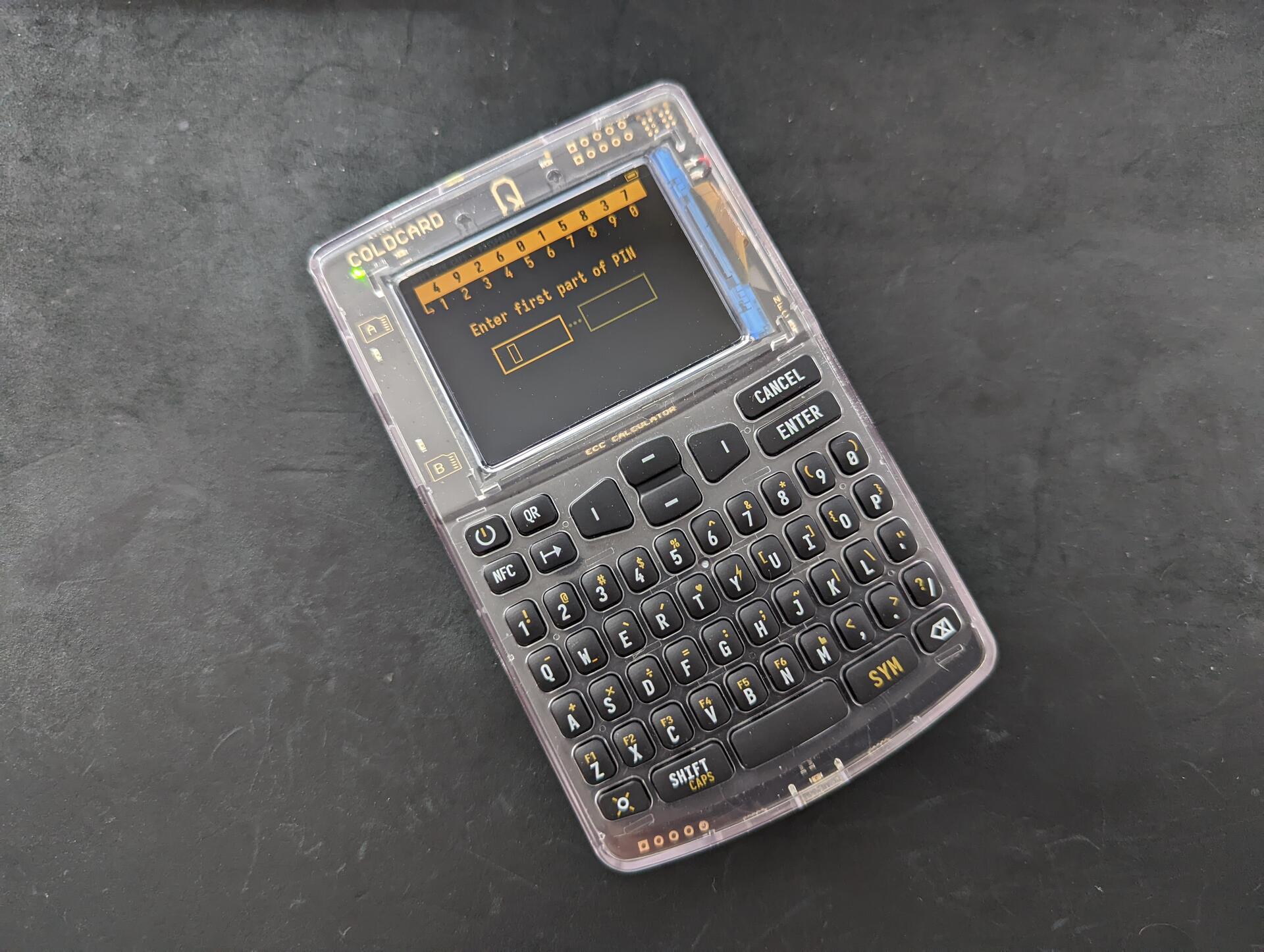
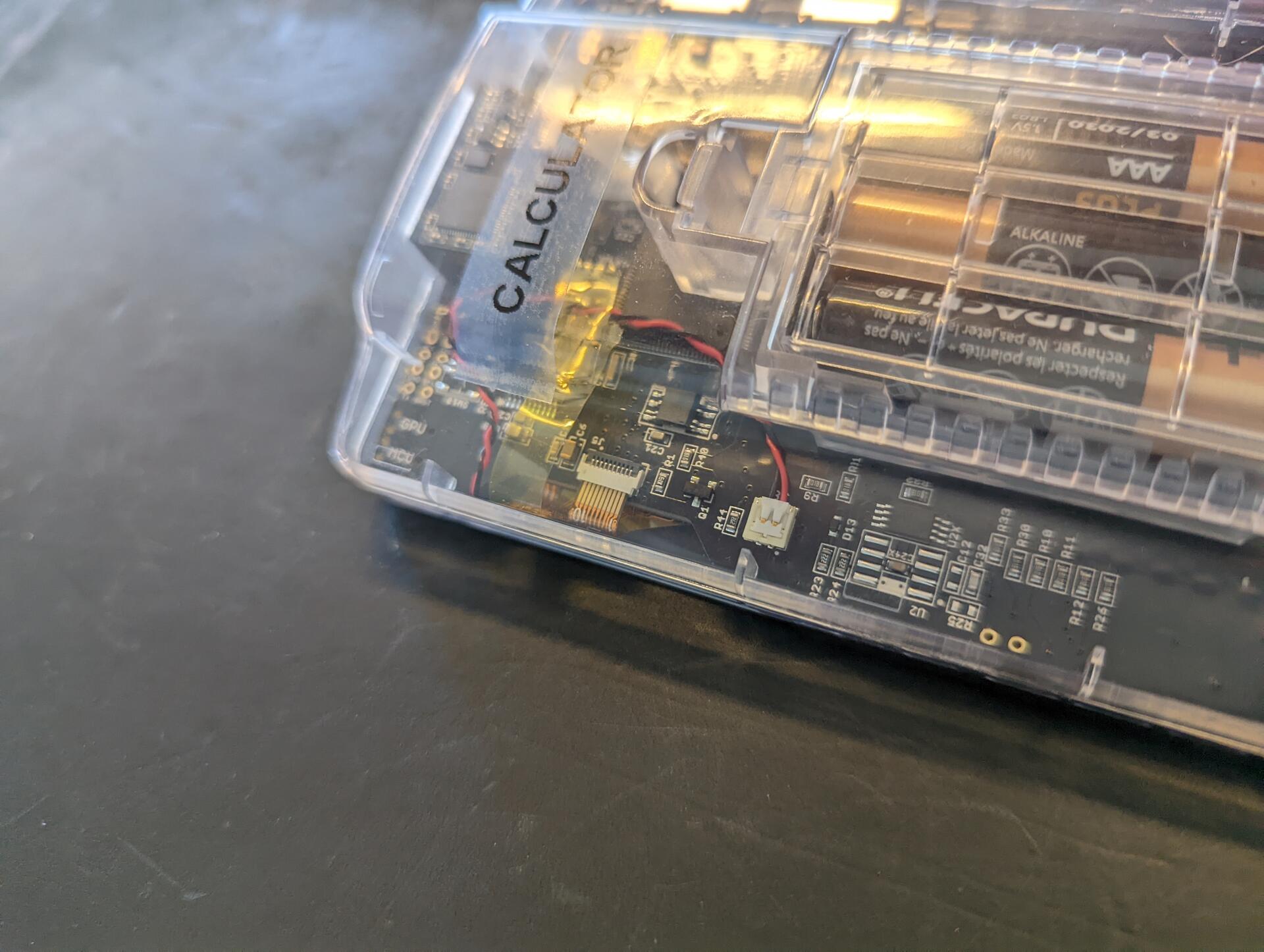
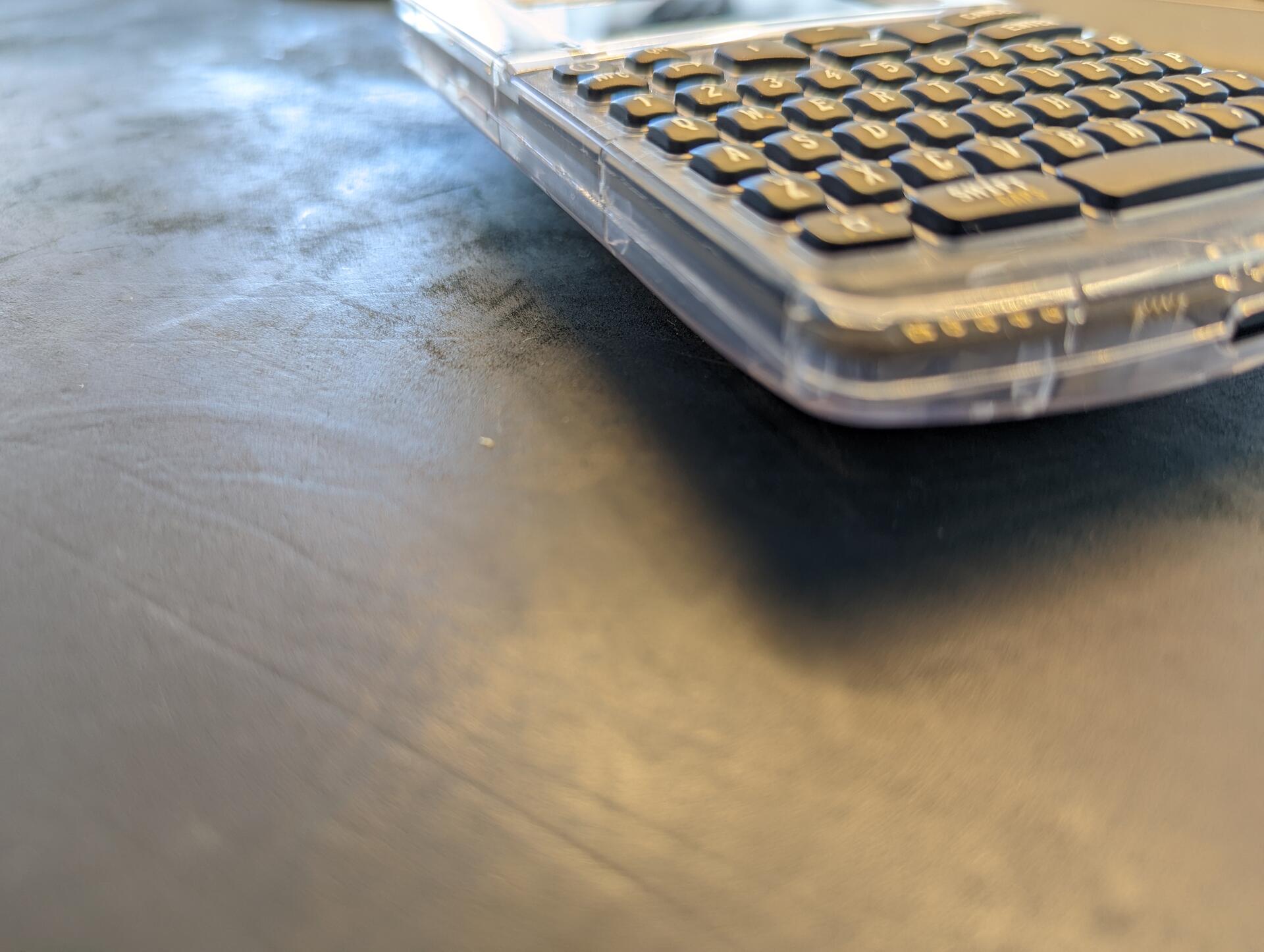
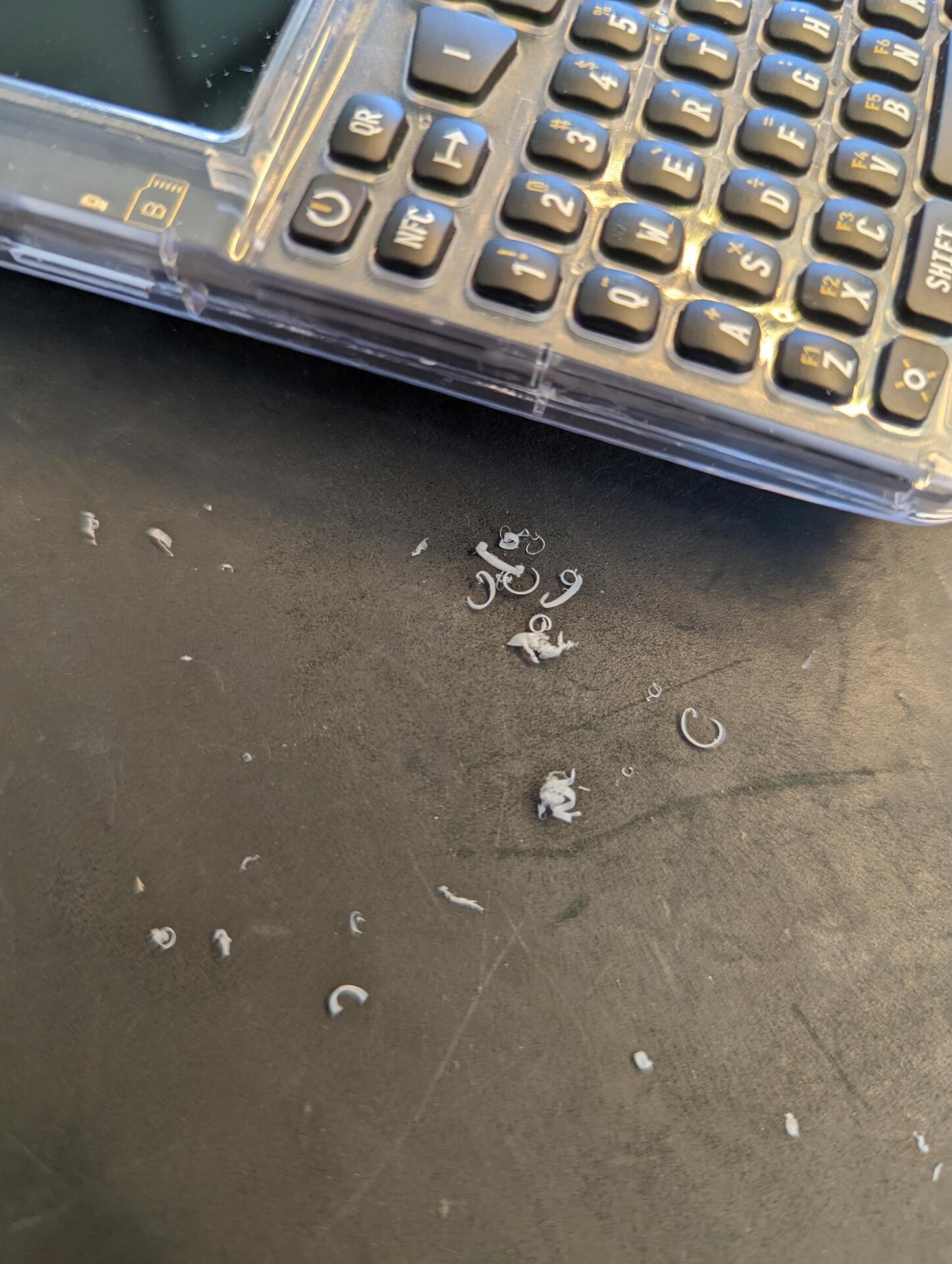
2/ Good @`Coinkite` Coldcard Q + QR code signing, faster and easier + Keyboard ๐Ÿ™Œ, if you have ever tried importing a seed or used a passphrase on the Mk4, you will really appreciate it. The keys are small and it will feel strange in the beginning, but you quickly get use to it + Most fully featured hardware wallet, with never ending options + Standard size batteries that can be removed and easily replaced + Large screen, much easier to read Neutral Coldcard Q ~ Larger than MK4, makes storage more difficult, won't fit in a faraday bag ~ Firmware (1.1.0Q) a little buggy. It crashed the first time I tried importing a seed. QR reader also remained on once with red light flashing, even though I had exited the function ~ Firmware (1.1.0Q) not fully updated from Mk4, e.g. when exporting the wallet to Sparrow, it seems only option is to export the json to an SD card (has not been updated), only once you proceed does it mention the option to use QR. All small thinks that will for sure be fixed with time ~ Found the keyboard scramble confusing ๐Ÿ˜…๐Ÿ™ˆ and disabled it. Maybe if it was at the bottom of the screen and the onscreen keypad looked like the buttons (a border around each number), it would be less confusing ~ Would be nice if the QR reader gave feedback while scanning Negative Coldcard Q - The build quality is decent and similar to Mk4, but it feels different. The clear case on the front is beautiful, one the back is looks a bit cheap. On the sides, where the case comes together there are some rough edges. You also have these rough edges on some Mk models but due to the form factor and being smaller, it is not noticeable. On the Q it is, and due to the size and how I held it, it actually bothered me and I had to smooth the edge with a razor blade. Overall The Mk4 is my favorite, but the Q is right there. The Mk4 is great for cold storage, locked away and only pulled out for regular audits. The Q is similar BUT it can also be a "daily driver". Large screen, QR signing, and keyboard, make it great for regular usage.

svrgnty's avatar
svrgnty 1 year ago
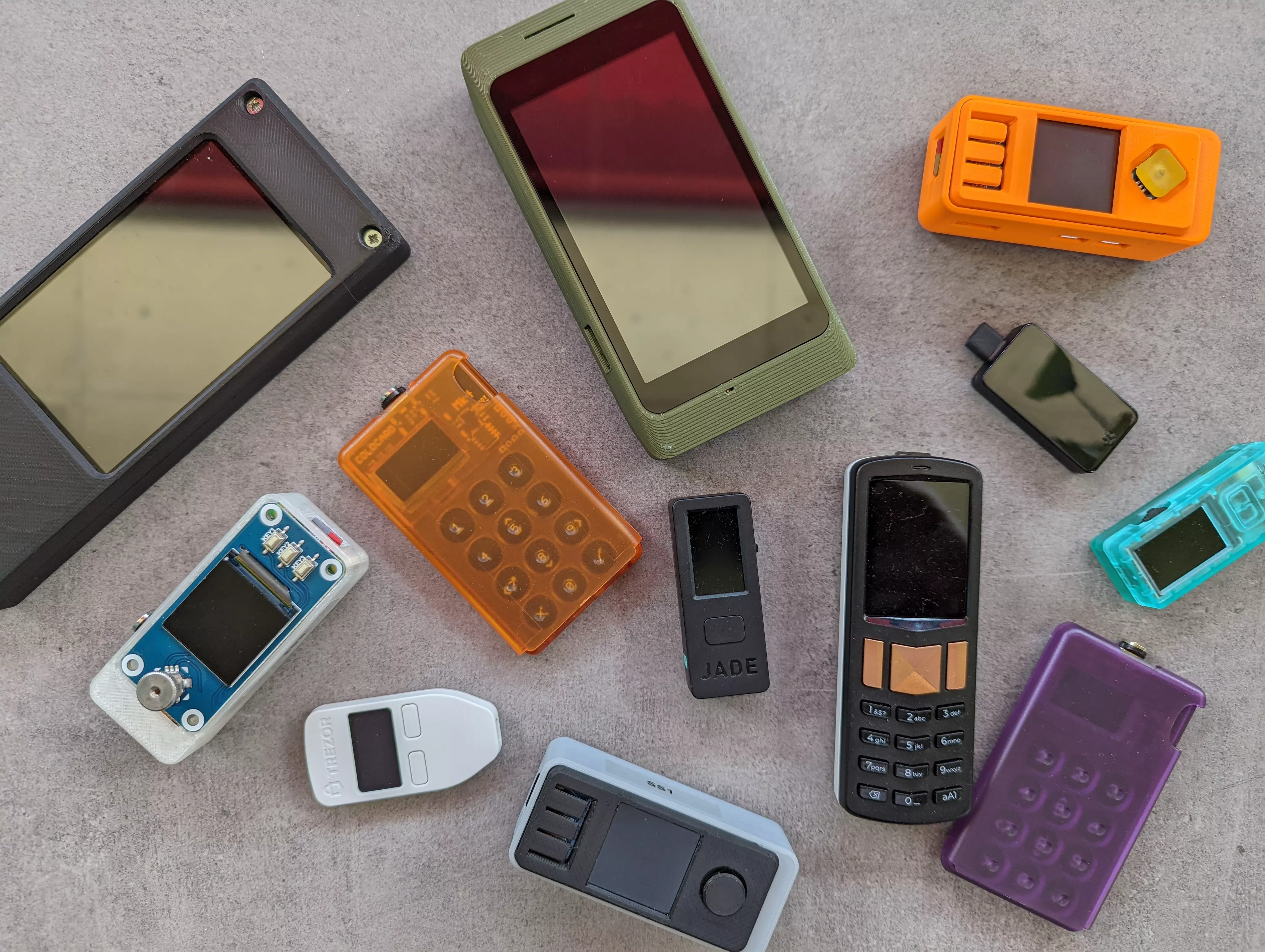
1/ Since my first review of #bitcoin hardware wallets / signing devices, new ones have been released and I've snatched them up as quickly as possible and tested them. The testing was carried out the same way as last time, using mostly Sparrow wallet and Specter Desktop If you missed the first review, you can check it out. And now the good, bad, and neutral of the devices in no particular order View quoted note โ†’ image
svrgnty's avatar
svrgnty 1 year ago
Several updates to #Bitcoin in hardware wallets added: - Coldcard Q - TwentyTwo Portal - Trezor Safe 3 in multisig added - Keeper - Lianaa in bitcoin nodes added - Raspibolt - Parmanode in blockchain explorers added - bitcoin explorer by Jonas Schnelli in charts and data added - Nakamoto portfolio by Swan
svrgnty's avatar
svrgnty 2 years ago
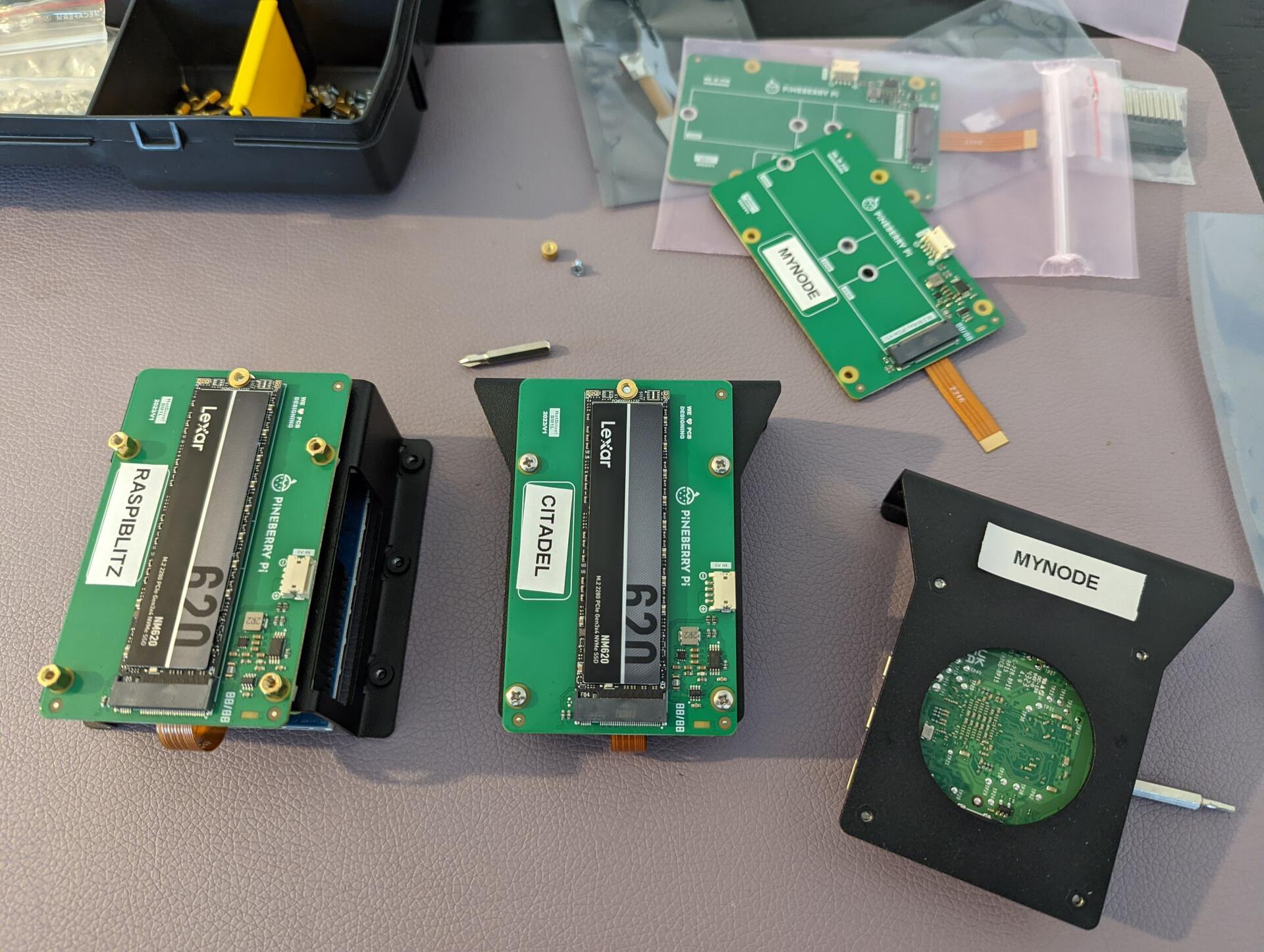
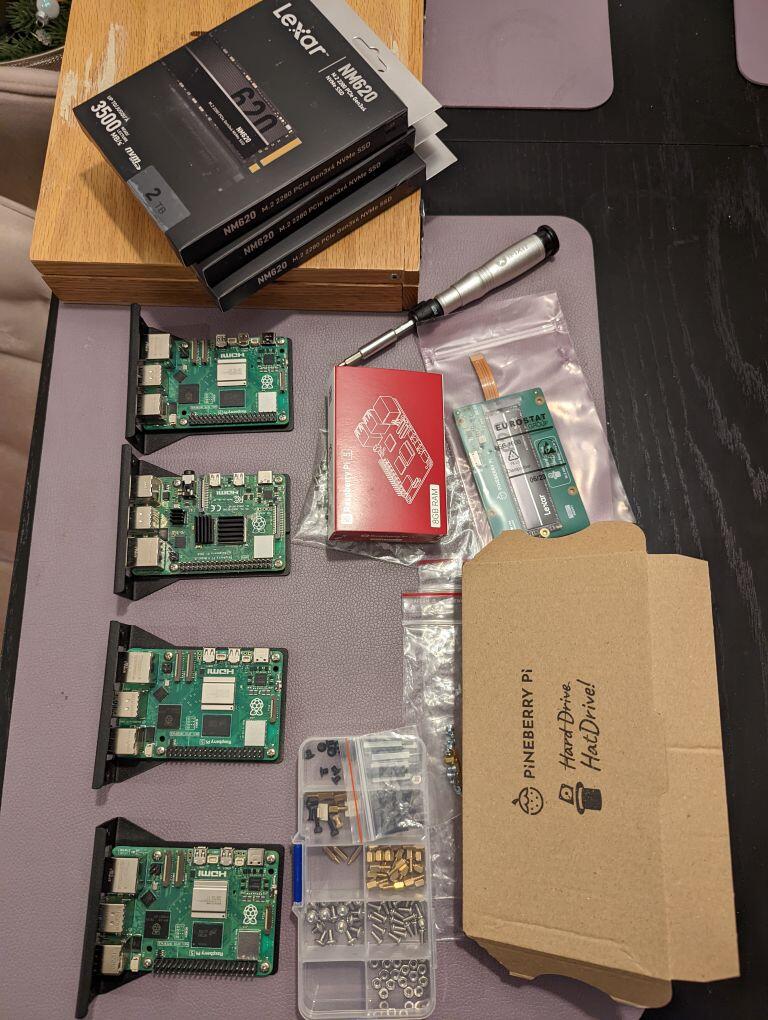
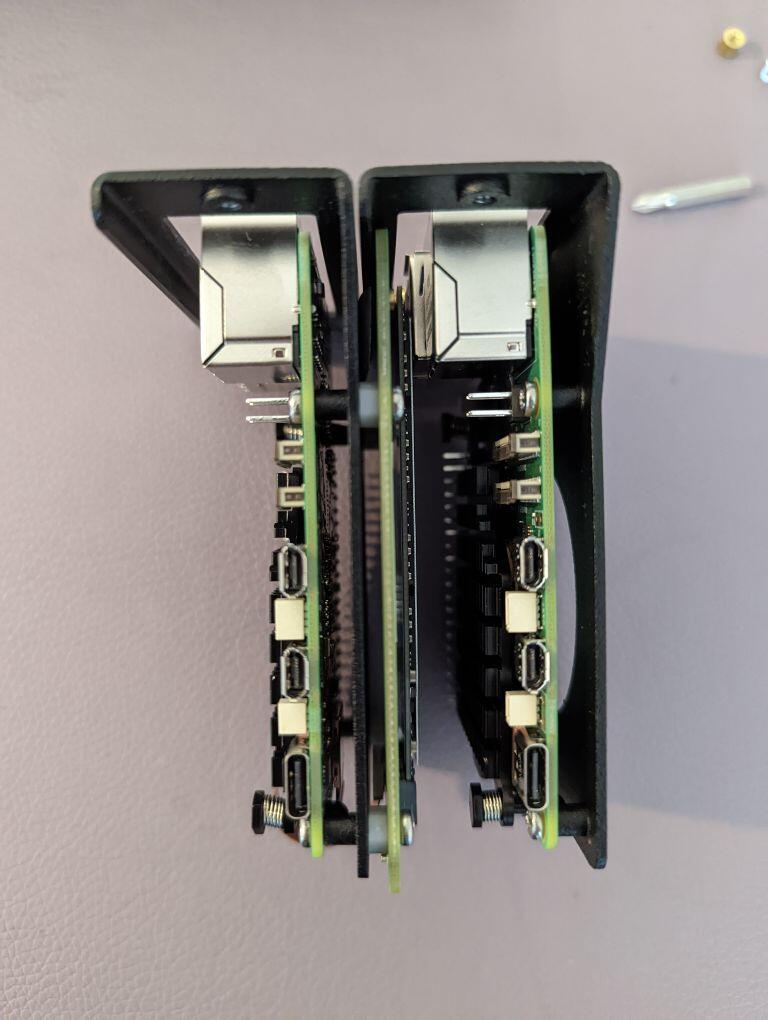
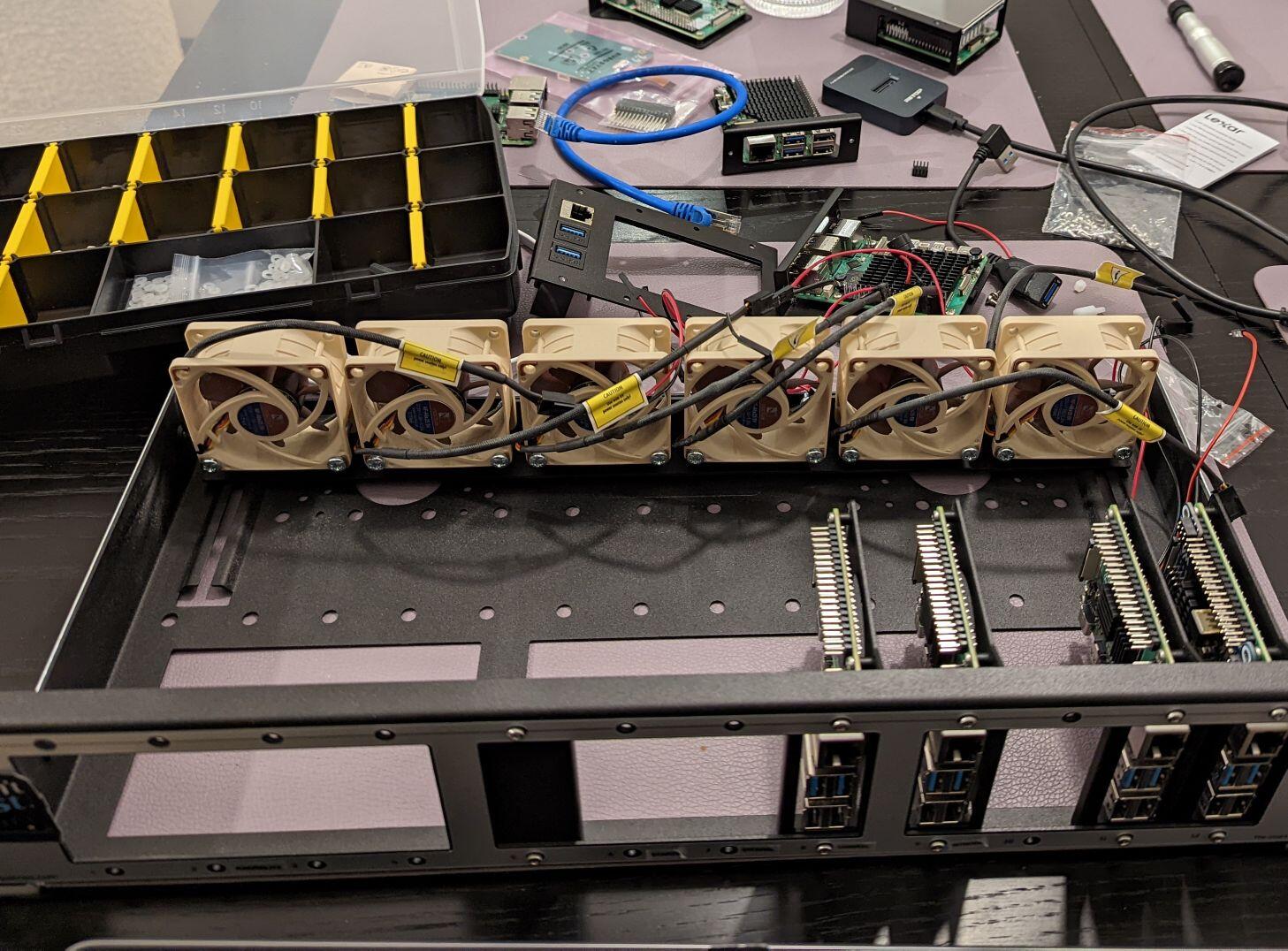
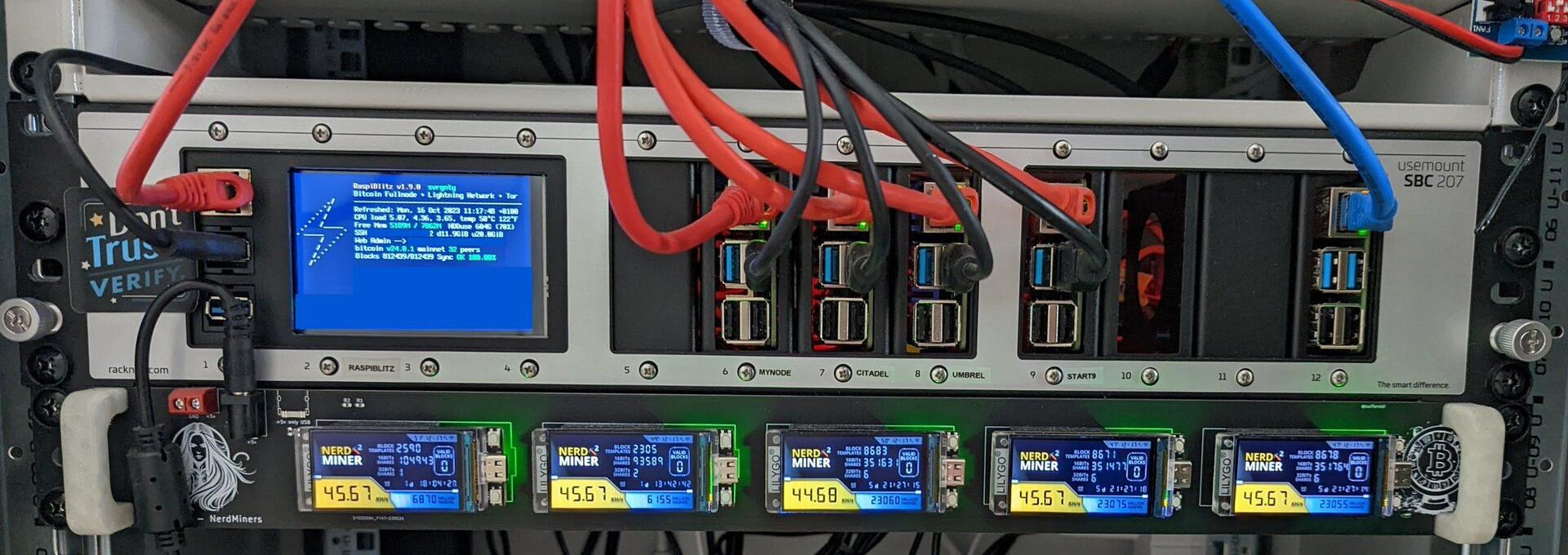
Upgrading some of my #Bitcoin nodes to Raspberry Pi 5 with PineberryPi HatDrive! Bottom and 2TB NVMe. RaspiBlitz and Citadel working like a charm with latest release candidates. And with rsync was able to sync everything over ๐Ÿ’ช. MyNode works on RPi5, but cant get NVMe to work as data drive, does work as OS drive though... Got Umbrel up (set boot from nvme, install Raspberry Pi OS, then install umbrel, then rsync) and it works perfectly for 15-20 min then crashes, HatDrive ACT light starts flashing ๐Ÿ˜• Start9, no luck at all... ๐Ÿ˜ญ Raknex fit is tight at the moment ๐Ÿ˜…
svrgnty's avatar
svrgnty 2 years ago
1/ Over the past months I've tested various #Bitcoin nodes that run on Raspberry Pi. The nodes tested are pretty simple to setup and don't require technical skills, anyone can run one. Before we jump in with my thoughts, some notes: My main reasons for having a node: - contribute to the bitcoin network's security and decentralization - connect bitcoin wallets to maintain privacy - explore the blockchain with @mempool and Bitcoin Explorer (bitcoinexplorer.org) - create multisig wallets with Specter Desktop - create lightning channels Some of the nodes below take the home server approach, i.e. they want to be your private server used as a replacement for many cloud services. While this is a great way for users to learn about self-hosting and data ownership, I would not recommend it. My preference is to keep node and bitcoin related apps separate from other home server applications. Luckily you can simply opt to not install/remove any of these apps and keep it a pure bitcoin machine. For each node I indicate software versions for Bitcoin Core, Mempool, and Specter on the date I started putting this together. All nodes receive updates regularly, but some are faster than others. image
svrgnty's avatar
svrgnty 2 years ago
Overall, they are all great devices. My rating based on above is: Favorites 1. Coldcard Mk4 2. @SeedSigner 3. @foundationdvcs Passport Followed by - Trezor One & Model-T - Specter DIY & Shield - BitBox02 Least preferred - @Blockstream Jade Not recommended - Ledger
svrgnty's avatar
svrgnty 2 years ago
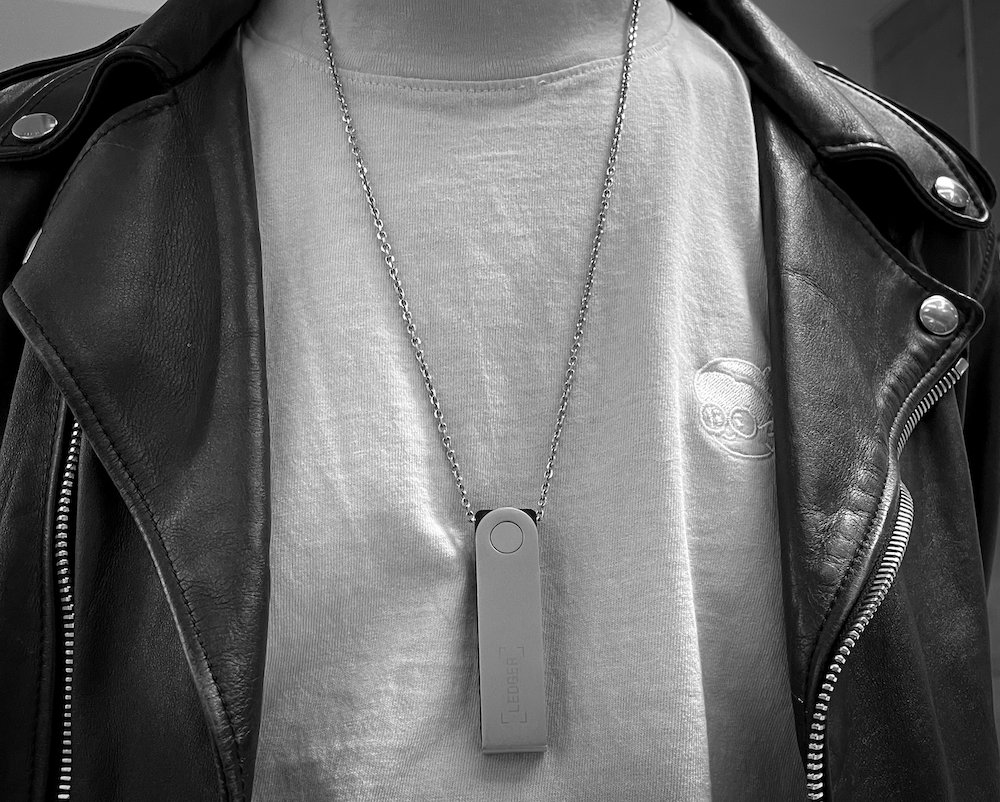
Ledger devices I just cannot recommend their devices. While I have used several in the past (Nano S), the company not aligned with the values of the Bitcoin community, instead focusing on altcoins. In addition the company continuously discredits itself by (just to name a few): - Promoting horrible security - Making deceptive claims and then the now deleted tweet "Technically speaking it is and always has been possible to write firmware that facilitates key extraction. You have always trusted Ledger not to deploy such firmware whether you knew it or not."
svrgnty's avatar
svrgnty 2 years ago
Good @SeedSigner + Full-fledged software and great UI + Built with off the shelf components + Just feels good putting together your own device + Great community + Dice rolls for entropy, though limited to 99 Bad @SeedSigner - In an era of government-imposed lockdowns impacting supply chains, it can difficult or expensive obtaining a Raspberry-Pi Neutral @SeedSigner ~ Stateless, requires importing seed every time it is used ~ Best if used with a 3D printed case as the buttons and joystick on the waveshare hat can be rough edged ~ If not experienced, best get a Raspberry Pi with pins, as adding them can be difficult image
svrgnty's avatar
svrgnty 2 years ago
Good Specter DIY & Shield (1 of each tested) + Built with off the shelf components + Just feels good building your own device + Large screen which makes it is easier to read and display information + Dice rolls for entropy with additional app Bad Specter DIY & Shield - Screen seems too reactive. If used with a 3d printed case, need to be careful with the case edges touching the screen - (Shield only) Cannot remove battery without disassembling the device Neutral Specter DIY & Shield ~ Large device ~ Stateless though with the Shield version you can use a smartcard ~ Specter Shield is probably more of a collectors item, difficult to obtain image
svrgnty's avatar
svrgnty 2 years ago
Good BitBox02 (1 device tested) Good + Solid product + Good for multisig Bad BitBox02 - Not air-gapped - Bitcoin-only firmware available, but also supports altcoins - No dice rolls for entropy - Wallet setup requires software image
svrgnty's avatar
svrgnty 2 years ago
Good Trezor One (3 devices tested) & Model-T (1 device tested) + No closed source elements Bad Trezor One & Model-T - Not air-gapped - Bitcoin-only firmware available, but also supports altcoins - No dice rolls for entropy image
svrgnty's avatar
svrgnty 2 years ago
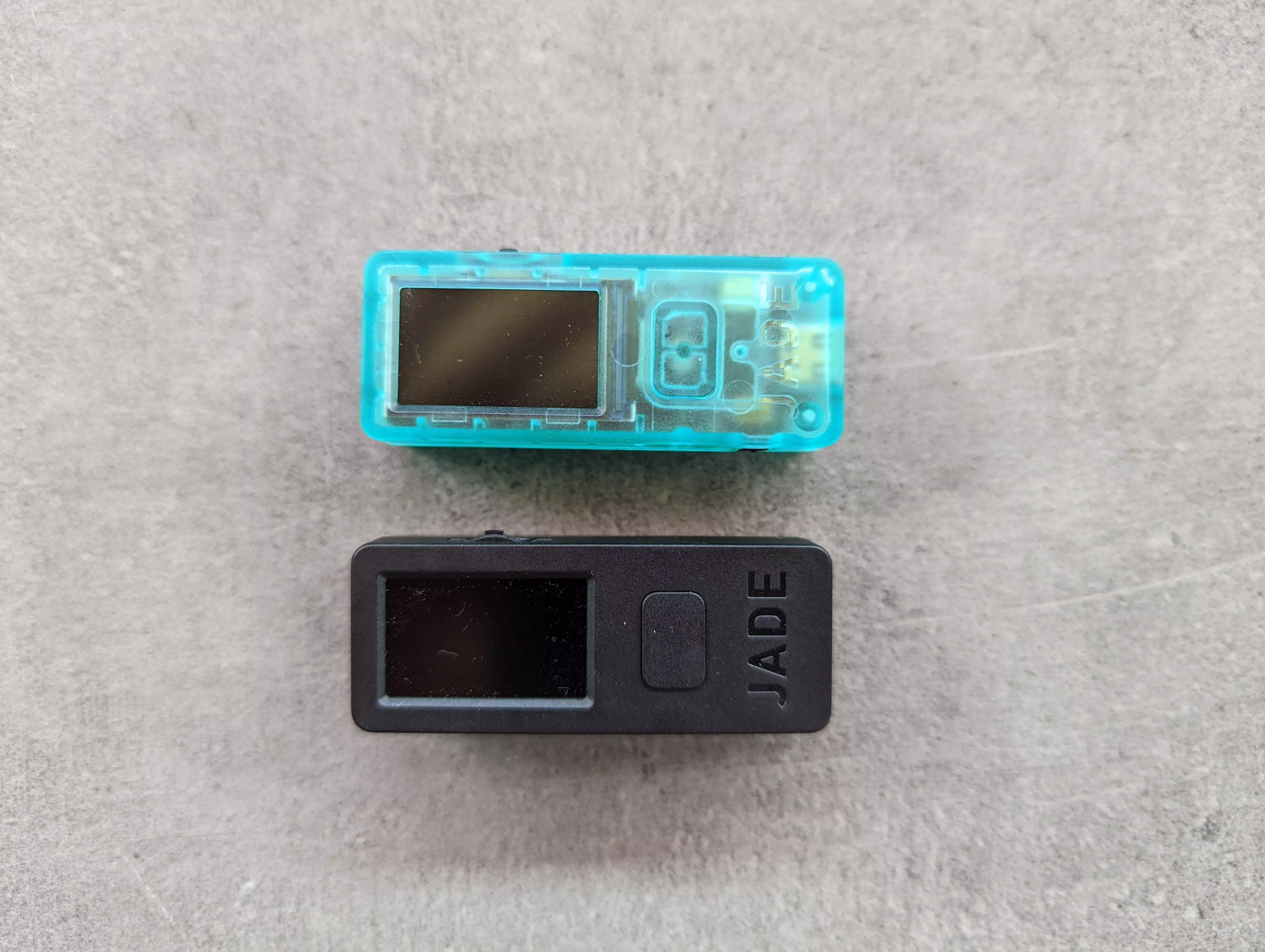
Good @Blockstream Jade (2 devices tested) + QR signing + Price + Bitcoin only Bad @Blockstream Jade - Wheel feels flimsy, on first device, it often got stuck - Built-in battery that cannot be removed. Impractical for long-term storage - Wallet setup requires software - No dice rolls for entropy - Poor camera Neutral @Blockstream Jade ~ Build quality image
svrgnty's avatar
svrgnty 2 years ago
Good Coldcard Mk4 (5 devices tested) + Many security features such as duress pin and keypad scramble + Might seem complicated or overwhelming, but it is great for learning, and you quickly find your way around + Bitcoin only + Dice rolls for entropy + Overall good build Bad Coldcard Mk4 - Initially the SD card got stuck, rubbing on the plastic casing. Of the 5 devices tested, had the issue on 2. After some usage it seems to no longer be an issue - When using the magnetic USB adaptor, you cannot slide the protective cover on the back - Controversial topic, but the code is not open source. Though not an issue for me, and they are free to choose the license they want, the discourse with the FOSS community often seems misleading and aggressive; unnecessary Neutral Coldcard Mk4 ~ Seems with firmware updates, menu items often move around, creating confusion image
svrgnty's avatar
svrgnty 2 years ago
Good @foundationdvcs Passport (2 devices tested) + Solid build (except keypad) + Camera and QR signing + Removable battery + Bitcoin only Bad @foundationdvcs Passport - Hard to remove the SD card, sometimes need to remove the back panel - Lack of security functions like keypad scramble - The keypad feels cheap and looks like it will wear out after some usage. Sometimes had to press keys more than once - "Security Words" experience poor, often found myself continuing to type when it was paused on the words - No dice rolls for entropy, though may be available in future Neutral @foundationdvcs Passport ~ Color display, but really brings no additional value at the moment ~ Might be too simple. Understand KISS and the device works, but seems to be bare minimum in security features ~ Though accounts are in separate tabs, you do not need to be in a specific account to sign a transaction. Unexpected behavior but can avoid a heart attack if a transaction was rejected ~ Slightly larger than other devices and does not fit in "standard" faraday bags image
svrgnty's avatar
svrgnty 2 years ago
Over the past months I've tested various #bitcoin hardware wallets / signing devices using Sparrow Wallet and Specter Desktop multisig setups. Without going into their security models, here is the good, bad, and neutral of the devices in no particular order image
โ†‘