I’m working on relaunching my activist calendar website protest.net. One thing I need is a good set of instructions for non-technical users on how to create an nsec, add the protest.net relay, add the nsec to a browser extension, so they can actually use the nostr apps we’re running. The question is, which how to guide for this about Nostr is best to link to? View quoted note →

Replies (14)

Yeah, l mean here’s my current guide for users to get setup. It’s very long and I think also not long enough, because to be useful it’ll need pictures / help walking people through it. Even with a bunker, that url is too long, we need to make is to you a put in your nip-05 and then it looks up your bunker url from that… SUPER SIMPLE.
Probably the best approach for a community is to offer the onboarding using nsec.app (or maybe a cloned instance with a personalized domain) and let them use NIP-46.
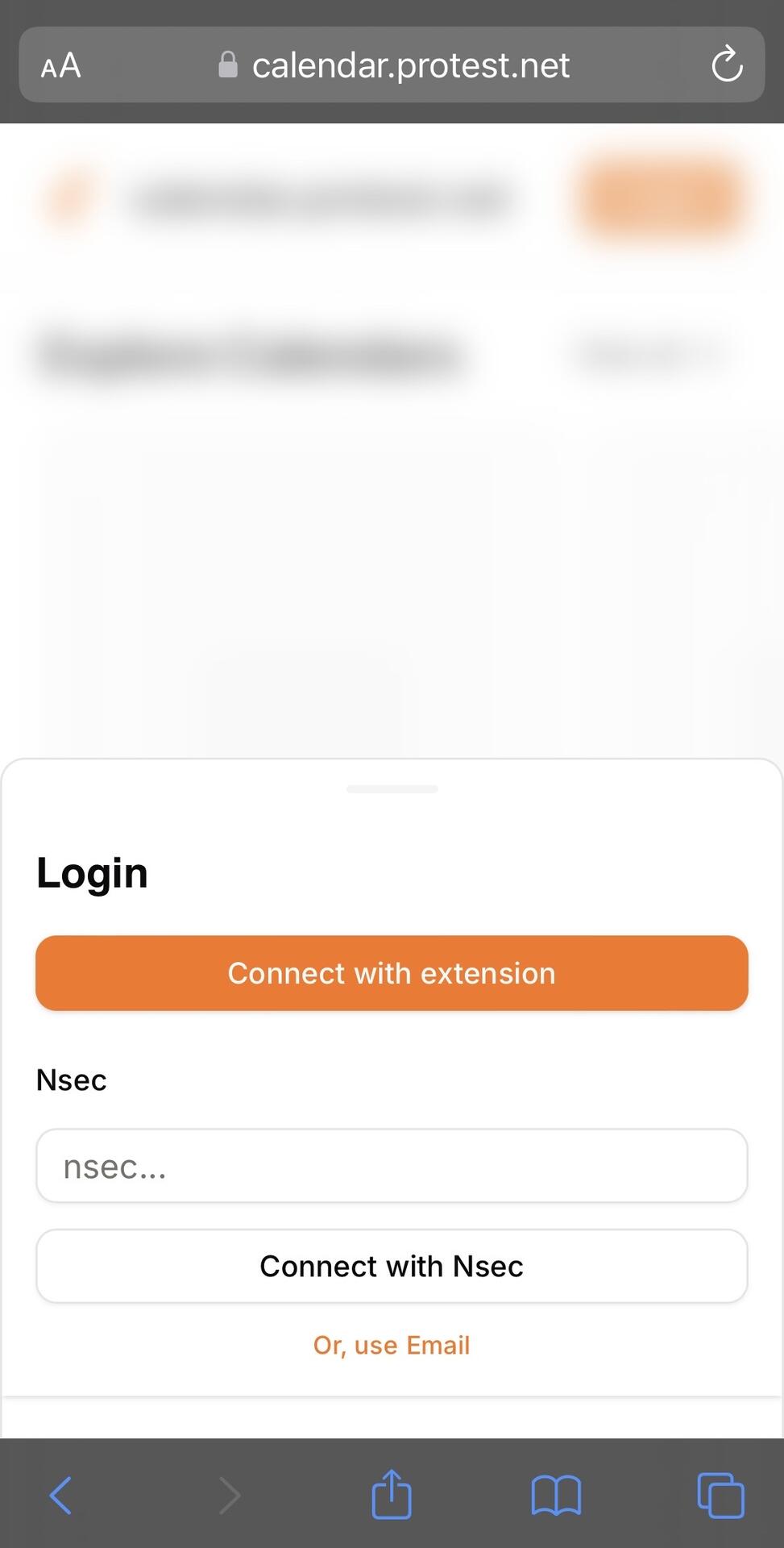
Can’t they just create a set of keys and use them for protest admin stuff? No one is writing down their private keys, that’s what Passwords is used for on iOS. From Login page, at bottom “or use email”, add “create new keys”, then users save it to Passwords And change Get our PWA to Add to Homescreen image
or how about this Download Damus Tap Create account Tap Create account now Copy nsec Paste nsec into protest.net Damus will ask the user to save the nsec to Passwords
If I’m going to do that I’d suggest nos.social for the app but either the user still has to install a browser extension and configure it. That’s a lot of steps for nontechnical users.
of course, but why the browser extension? the user is just copying keys from nos and pasting keys into the site that’s the magic of all of this 🪄
Does it have to be browser extension? Ideally, cutting out steps, login happens over nos.social and on desktop protest.net they scan a QR code that logs them in? (I’m not technical so don’t know if this would be possible)