
The @routstr profile links to  and that's the end of this. I can't be bothered clicking through those repos to figure out how to start.
Now the account also has a nip05 pointing to
and that's the end of this. I can't be bothered clicking through those repos to figure out how to start.
Now the account also has a nip05 pointing to 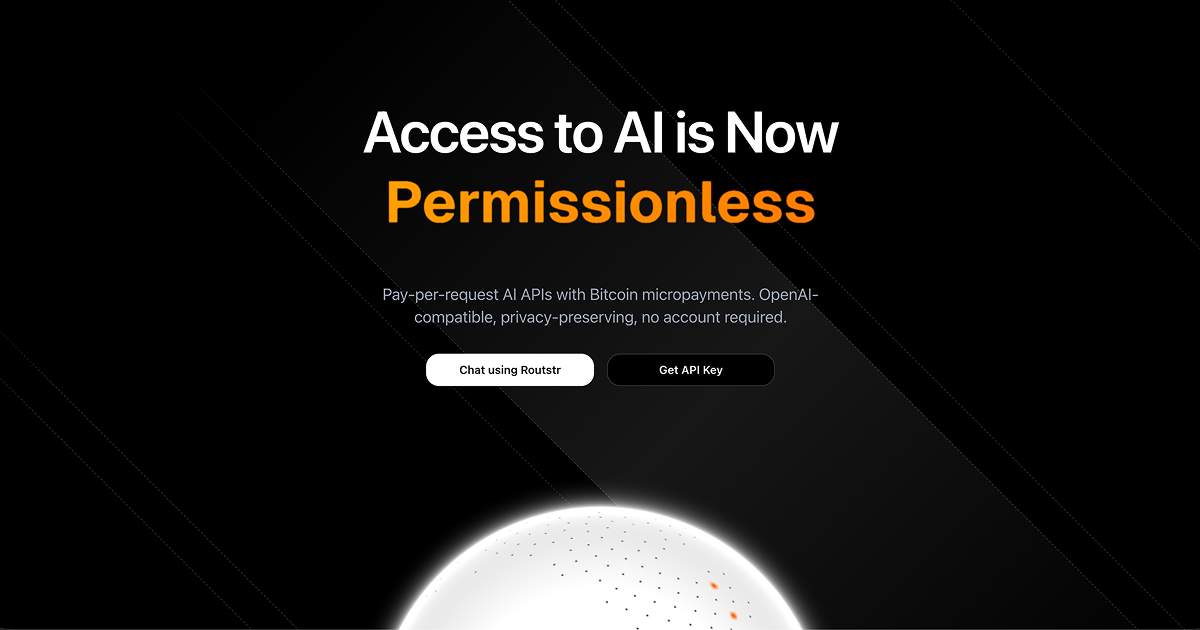 which looks much more helpful at first sight but here again I'm lost. I want an api to use in my cline extension. Can I get that through routstr? I still don't know and scrolling through the site I don't know where I might find the answer.
Now I found which looks like
which looks much more helpful at first sight but here again I'm lost. I want an api to use in my cline extension. Can I get that through routstr? I still don't know and scrolling through the site I don't know where I might find the answer.
Now I found which looks like  but the lightning invoice QR lacks a white border and thus is impossible to scan with Phoenix or Google Lens.
Picking a model did not work. I clicked it but the "dropdown" didn't close.
I guess before putting major effort into marketing, the product should work a bit smoother.
but the lightning invoice QR lacks a white border and thus is impossible to scan with Phoenix or Google Lens.
Picking a model did not work. I clicked it but the "dropdown" didn't close.
I guess before putting major effort into marketing, the product should work a bit smoother.
GitHub
routstr
The real decentralized AI. routstr has 24 repositories available. Follow their code on GitHub.
Routstr
Routstr - Decentralized AI Inference Router
Access top AI models with Bitcoin Lightning payments. Permissionless, private, and decentralized.
Routstr
The future of AI access is permissionless, private, and decentralized
PayPerQ
PayPerQ | Pay-Per-Prompt AI Service
Explore the potential of AI with PayPerQ - pay per prompt. Get instant access to hundreds of powerful AI models. No subscriptions. No registration ...

 After that you can also create and manage API keys in the settings (stored on Nostr relays with encryption)
The models dropdown should've worked, it just takes a few seconds to load as we fetch models from various Routstr nodes.
Zapping you some sats for the feedback, pls try again and give us more feedback. <3
After that you can also create and manage API keys in the settings (stored on Nostr relays with encryption)
The models dropdown should've worked, it just takes a few seconds to load as we fetch models from various Routstr nodes.
Zapping you some sats for the feedback, pls try again and give us more feedback. <3