
How To Setup A Nostr Profile In 6 Simple Steps:
1. Find a Nostr client/app that suits your needs. All you need to do is create a private key (nsec) to access any client you wish. (DO NOT SHARE nsec!) Nostr client list:
-nostr:@Damus for IOS:  -Amethyst for Android: https://play.google.com/store/apps/details?id=com.vitorpamplona.amethyst&hl=en&gl=US
- @primal for web, IOS and Android.
-Amethyst for Android: https://play.google.com/store/apps/details?id=com.vitorpamplona.amethyst&hl=en&gl=US
- @primal for web, IOS and Android. 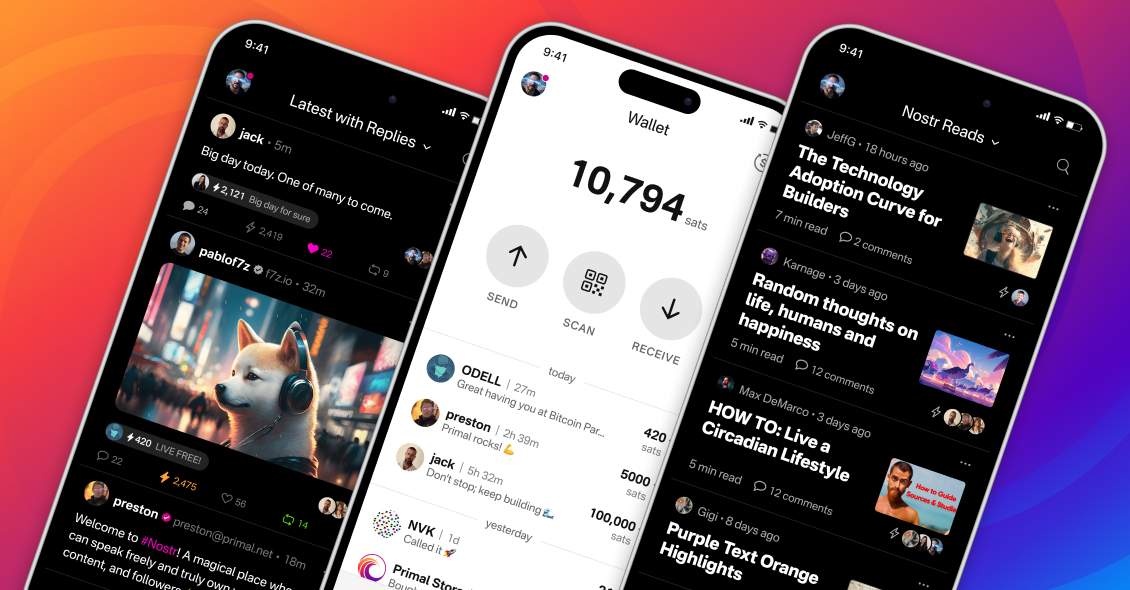 -Snort.social for web:
  -nostr:@npub1curr...sh3w for both IOS and Android: https://getcurrent.io
-nostr:@Openvibe for both IOS and Android:
-nostr:@npub1curr...sh3w for both IOS and Android: https://getcurrent.io
-nostr:@Openvibe for both IOS and Android: 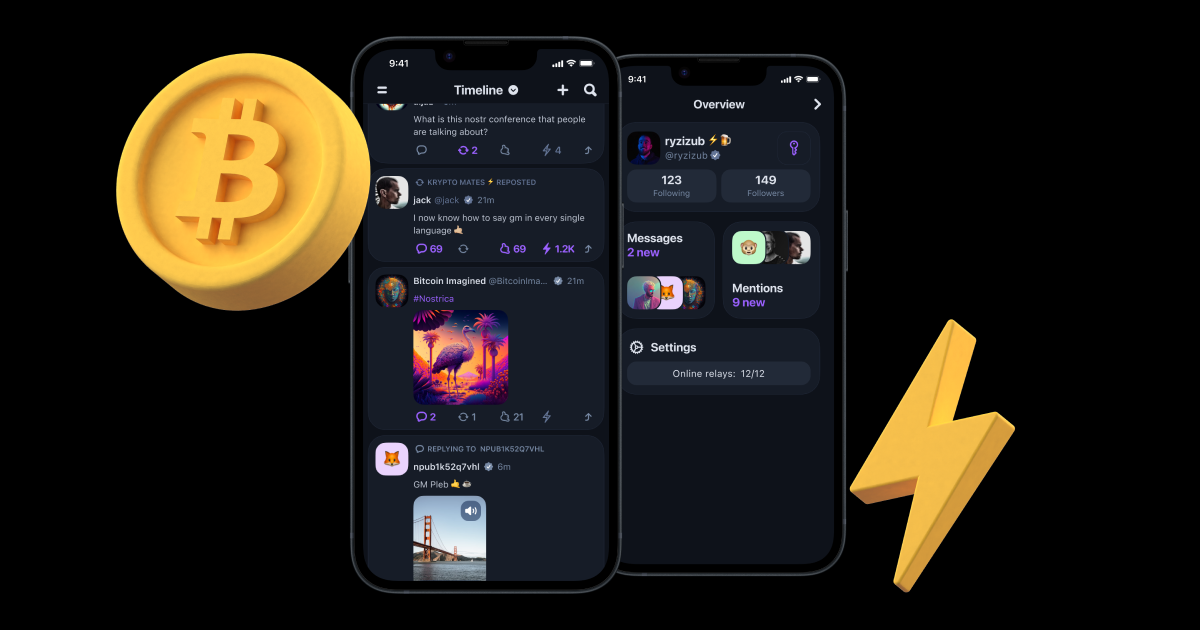 -Iris for web/Android/IOS: https://iris.to
-Astral.ninja for web: https://astral.ninja
-Blogstack for web:
-Iris for web/Android/IOS: https://iris.to
-Astral.ninja for web: https://astral.ninja
-Blogstack for web:  -Coracle.social for web: https://coracle.social/
2. Set up your profile, including bio, profile pic, etc.
3. Make sure you connect to some popular relays to have access to a larger audience for better social media experience. Check out these pages, which have a huge list of bitcoiners who are on Nostr with npub addresses: and
4. Set up NIP–05 verification to get verified (This is optional!) using sites like
-Coracle.social for web: https://coracle.social/
2. Set up your profile, including bio, profile pic, etc.
3. Make sure you connect to some popular relays to have access to a larger audience for better social media experience. Check out these pages, which have a huge list of bitcoiners who are on Nostr with npub addresses: and
4. Set up NIP–05 verification to get verified (This is optional!) using sites like  5. Set up your Lightning Network wallet for NIP-057 (Zaps ⚡) in profile settings. This allows Nostr users to tip Nostr content creators P2P without any middle man.
6. Find your friends and share your npub address on your socials and/or follow hashtags of your favourite topics in global chat in clients.
Visit nostr.how, nostr.com and nostr.band for great resources to learn more.
5. Set up your Lightning Network wallet for NIP-057 (Zaps ⚡) in profile settings. This allows Nostr users to tip Nostr content creators P2P without any middle man.
6. Find your friends and share your npub address on your socials and/or follow hashtags of your favourite topics in global chat in clients.
Visit nostr.how, nostr.com and nostr.band for great resources to learn more.
Damus
A new social network that you control
Primal
Live Free
Snort
Snort - Nostr
Snort is a feature-packed, decentralized social media client built on Nostr protocol. Fast, censorship-resistant, and open source.
Plebstr — friendly Nostr client
Experience decentralised Nostr protocol. Now in user-friendly on mobile & web.
Top Game Bài Đổi Thưởng
Top Game Đánh Bài Đổi Thưởng Uy Tín ⚡️ Tải App Chính Hãng
services-centers-india.in.net: Chuyên trang đánh giá app game đánh bài đổi thưởng hay nhất trong 2026. Link tải mới, mạnh và ...
Redirecting...
nostr.directory
Nostr public keys of Twitter Accounts
Find people you know on other social media sites on nostr
Nostr Address (NIP-05)
Nostr Address (NIP-05)
Get a Nostr Address (NIP-05) Identifier for Free on Damus, Amethyst, Primal! Upgrade for a Paid Relay and Faster Registration
