Multi-signature wallets can be the most secure way to store your bitcoin… But they’re not for everyone!
Learn the pros and cons so you can choose for yourself 🫵
Multi-signature wallets (often just called ”multisig”) are one of the most powerful breakthroughs that came with Bitcoin, as we don’t have to rely on a lawyer to escrow funds anymore between multiple entities.
All we need is cryptography and we can cut out another middle-man 😎
Multisig at its core functions similarly to a standard Bitcoin wallet — only the right signature can allow funds to be sent to a different address.
However, instead of just needing one signature, now multiple signatures are required to make a valid transaction. This greatly increases the potential security of a wallet, but also comes with some big trade-offs.
So what are the pros and cons of multisig for Bitcoiners today? 🤔
Pro - Powerful custody for organizations
What once used to require lawyers, complex bank accounts, and legal headaches, now can be achieved through simple cryptography.
Organizations can share custody of funds safely and securely with no middle-men or custodians.
Pro - Losing a single key doesn’t mean lost funds (usually)
For any proper multisig quorum (threshold of signatures needed) losing a single key - or even multiple! - doesn’t lead to lost funds. For instance, a 3-of-5 quorum could lose two keys and still access their Bitcoin.
Pro - Harder to spend funds
While this may not sound like a pro, the main benefit for individuals who use multisig is that a single key or seed being compromised doesn’t lead to theft (or loss) of funds.
In certain threat models this can be a powerful step up in security.
Cons - Harder to spend funds
Yes, this is both a pro and a con 🤔
While it can sometimes be a good thing to make it harder to spend funds, this added complexity or geographical distance when accessing funds can be problematic for individual users!
If you use a multisig with just one person and spread the keys out geographically, things like government lockdowns or tightened border crossings can make it impossible to actually access your bitcoin.
Cons - More complex backups
While backing up even a standard wallet can be daunting, multisig ratchets up the complexity even more.
Not only do you need to properly secure multiple seed phrases, but also additional metadata about the wallet 😱
Even though multisig can help prevent loss of funds, this backup complexity can actually increase the risk of losing your precious sats if you’re not 100% sure how to properly handle multisig backups ❗
Cons - Harder for loved ones to recover
An aspect of every Bitcoiner’s setup that often gets overlooked is what happens if you pass away or are incapacitated? Can your spouse/parents/kids access your Bitcoin to actually pass on your generational wealth?
Multisig can make it drastically harder to actually recover funds in this worst-case scenario, so it’s vital that you be sure that those you love actually test your recovery process and can recover without any help from you.
What’s right for YOU 🫵
While multisig has a lot of pros and cons, deciding if it helps your specific self-custody setup is a personal choice. For more advanced users the added complexity might not be a problem, so the cons are worth the greater security against theft/loss.
On the flip-side, many users have improperly backed up their multisig and ended up losing funds they otherwise would have been able to recover.
For all the reasons mentioned here we normally recommend single users use single-sig - K.I.S.S. 😉
Want to learn more?
This threads already getting long, so keep an eye out for next week’s thread where we’ll cover the ins and outs of actually using multisig, what backups look like, and how a hardware wallet like Passport can help simplify backups.
In the meantime, you can read through this fantastic resource by @QnA to better understand multisig wallets 🔗
 Want to see multisig in action?
We’ve built out a detailed tutorial for using Passport with Bitcoin Keeper on YouTube, where you can see the process of setting up a new multisig wallet from start to finish 📺
That’s it! Thanks so much for reading, and we hope this helped better explain the pros and cons of multisig, letting you make a well-informed decision on what setup is right for you.
For more like this, follow us or visit our website @ foundationdevices.com 🫡
Want to see multisig in action?
We’ve built out a detailed tutorial for using Passport with Bitcoin Keeper on YouTube, where you can see the process of setting up a new multisig wallet from start to finish 📺
That’s it! Thanks so much for reading, and we hope this helped better explain the pros and cons of multisig, letting you make a well-informed decision on what setup is right for you.
For more like this, follow us or visit our website @ foundationdevices.com 🫡
Bitcoiner.Guide
Multisig.Guide
Get started with Multisig
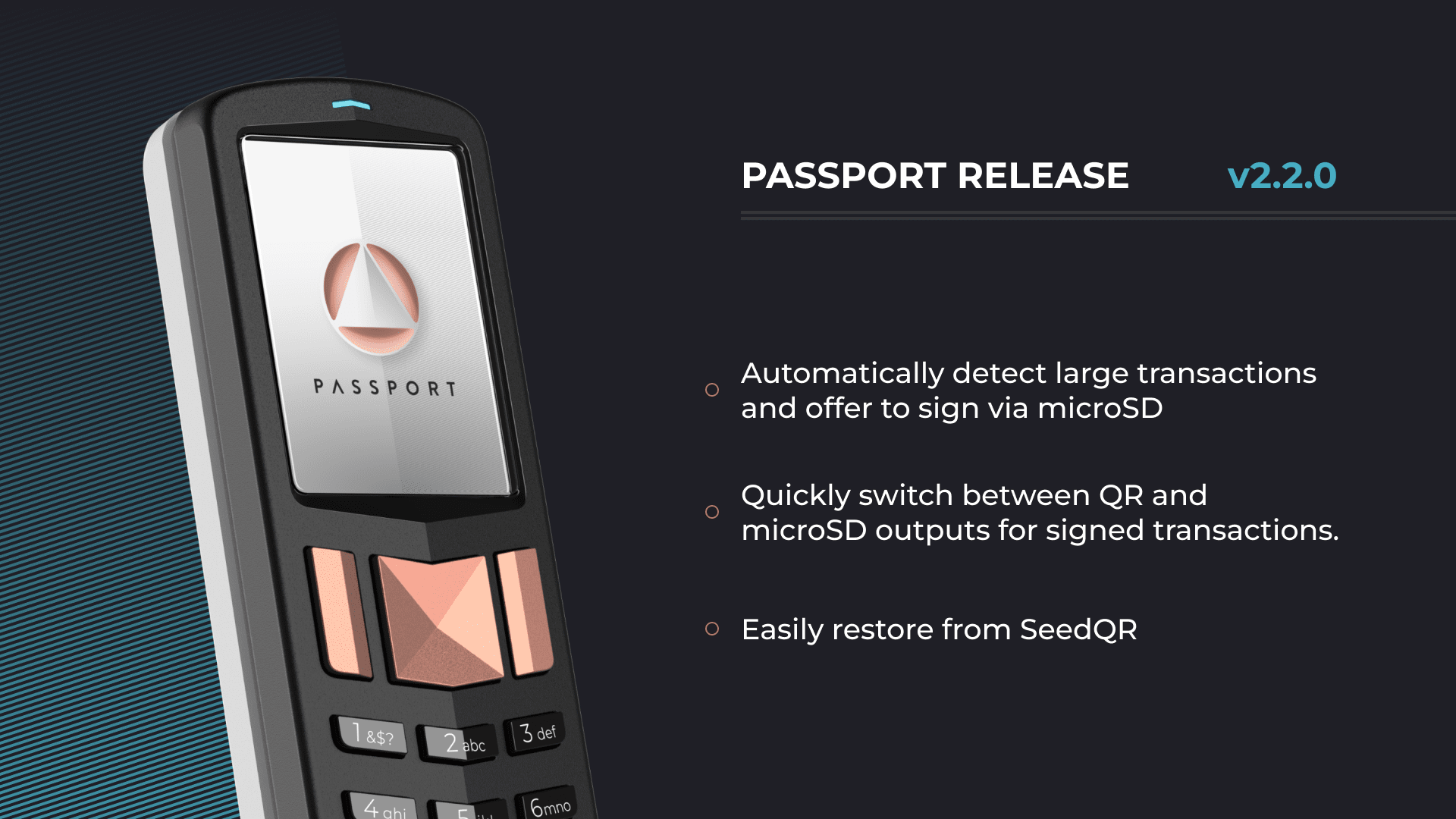 With this latest version, you can:
📷 Seamlessly switch back and forth between signing via QR and microSD
🌱 Restore from SeedQR
We've also improved the user interface on Founder’s Edition and added many quality of life improvements across the board. With the number of new features we included in 2.1.0, we took this release to focus on refining our unified firmware between Founder’s Edition and Batch 2, as well as paving the way for full Taproot support in 2.3.0.
Update today directly from Envoy, our mobile app in just a few taps, and read the full changelog in our release notes blog post below:
With this latest version, you can:
📷 Seamlessly switch back and forth between signing via QR and microSD
🌱 Restore from SeedQR
We've also improved the user interface on Founder’s Edition and added many quality of life improvements across the board. With the number of new features we included in 2.1.0, we took this release to focus on refining our unified firmware between Founder’s Edition and Batch 2, as well as paving the way for full Taproot support in 2.3.0.
Update today directly from Envoy, our mobile app in just a few taps, and read the full changelog in our release notes blog post below:
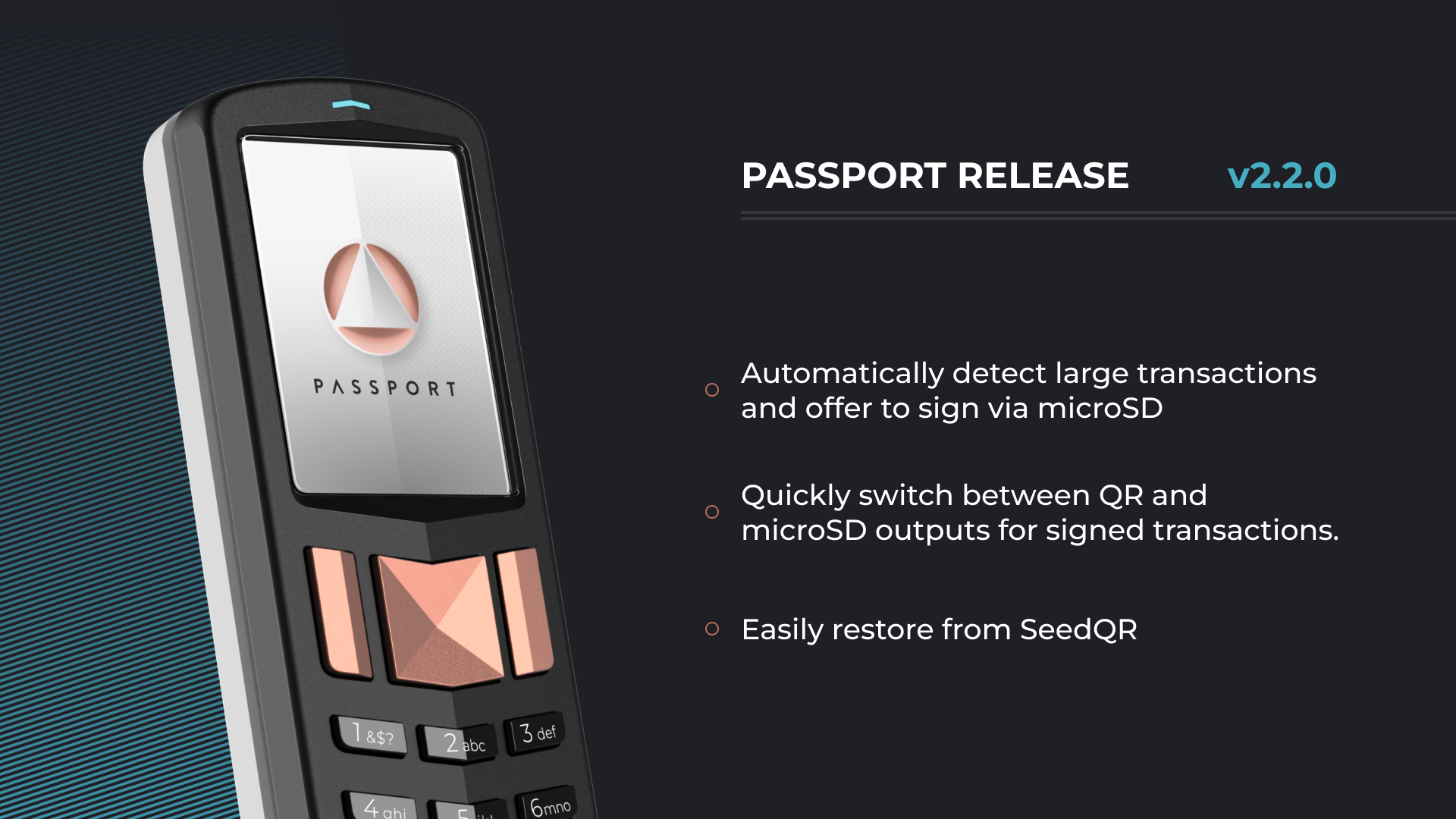
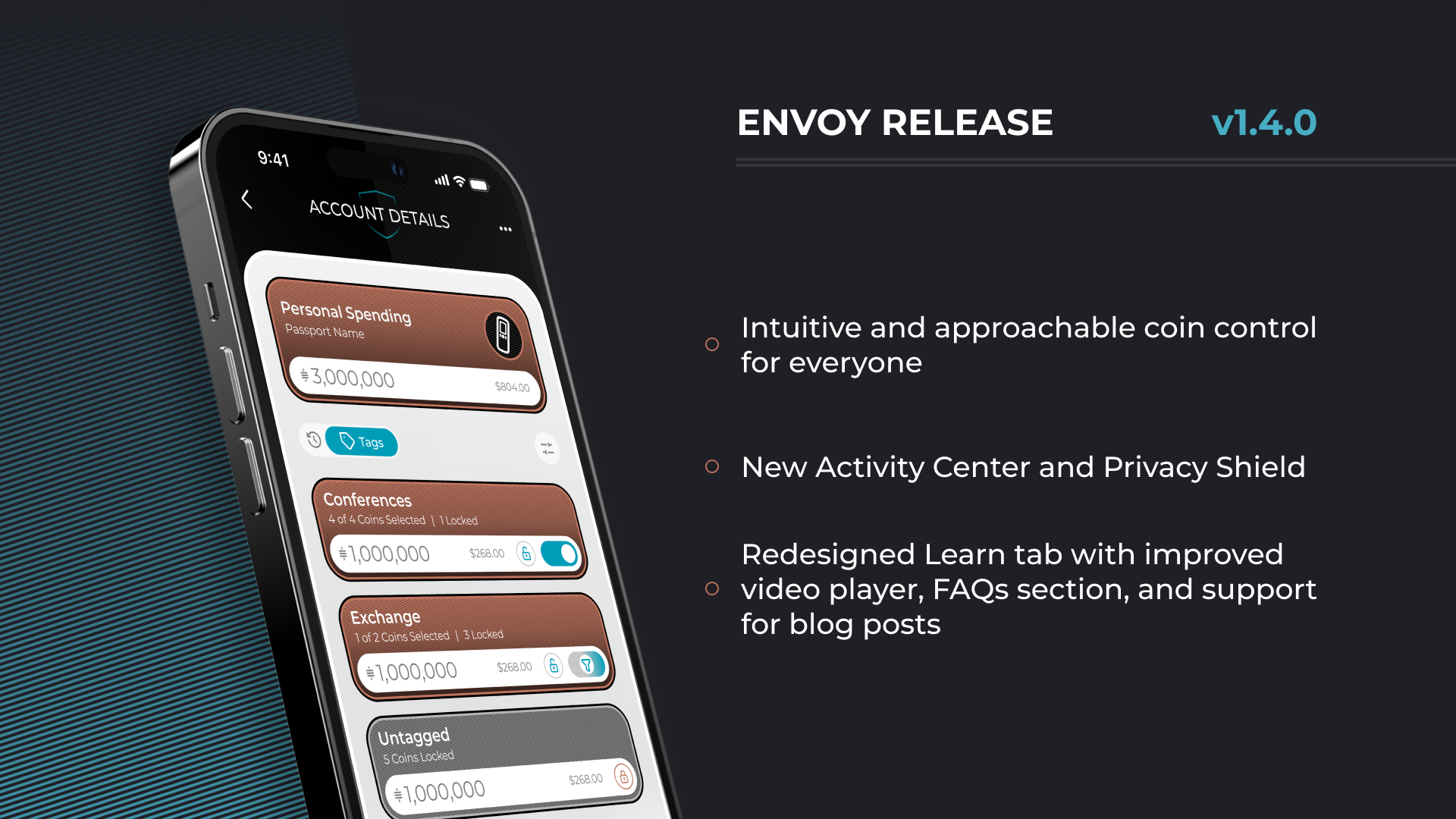
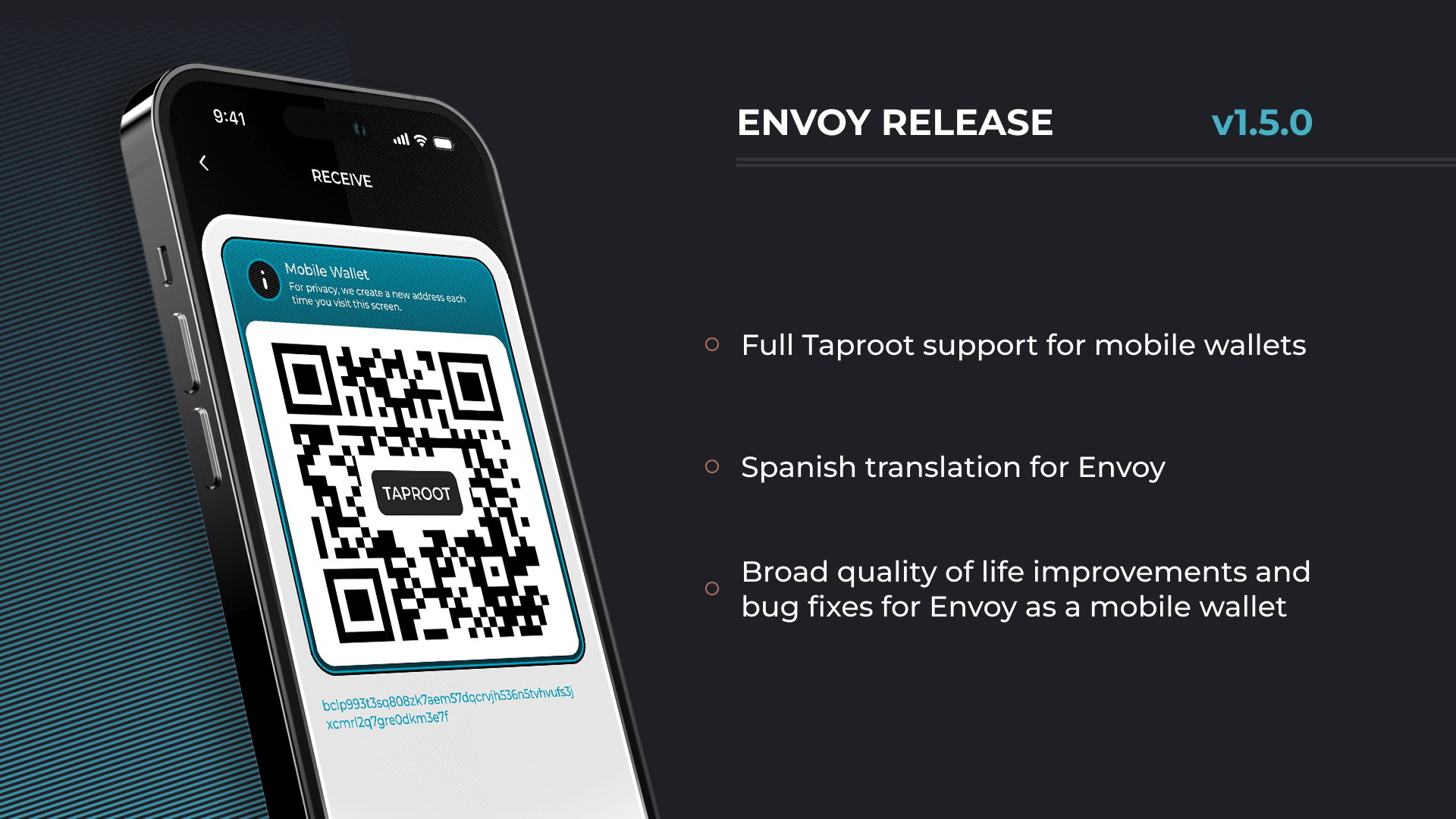 This version of Envoy brings:
🥕 Full Taproot Support
🪙 A Refined Coin Control Experience
🇪🇸 Initial Spanish Translation
Plus many quality of life improvements and 🐛 fixes!
For all of the details on what we've shipped in Envoy v1.5, dive into the release notes blog post below in the post below:
This version of Envoy brings:
🥕 Full Taproot Support
🪙 A Refined Coin Control Experience
🇪🇸 Initial Spanish Translation
Plus many quality of life improvements and 🐛 fixes!
For all of the details on what we've shipped in Envoy v1.5, dive into the release notes blog post below in the post below:
 🧵👇
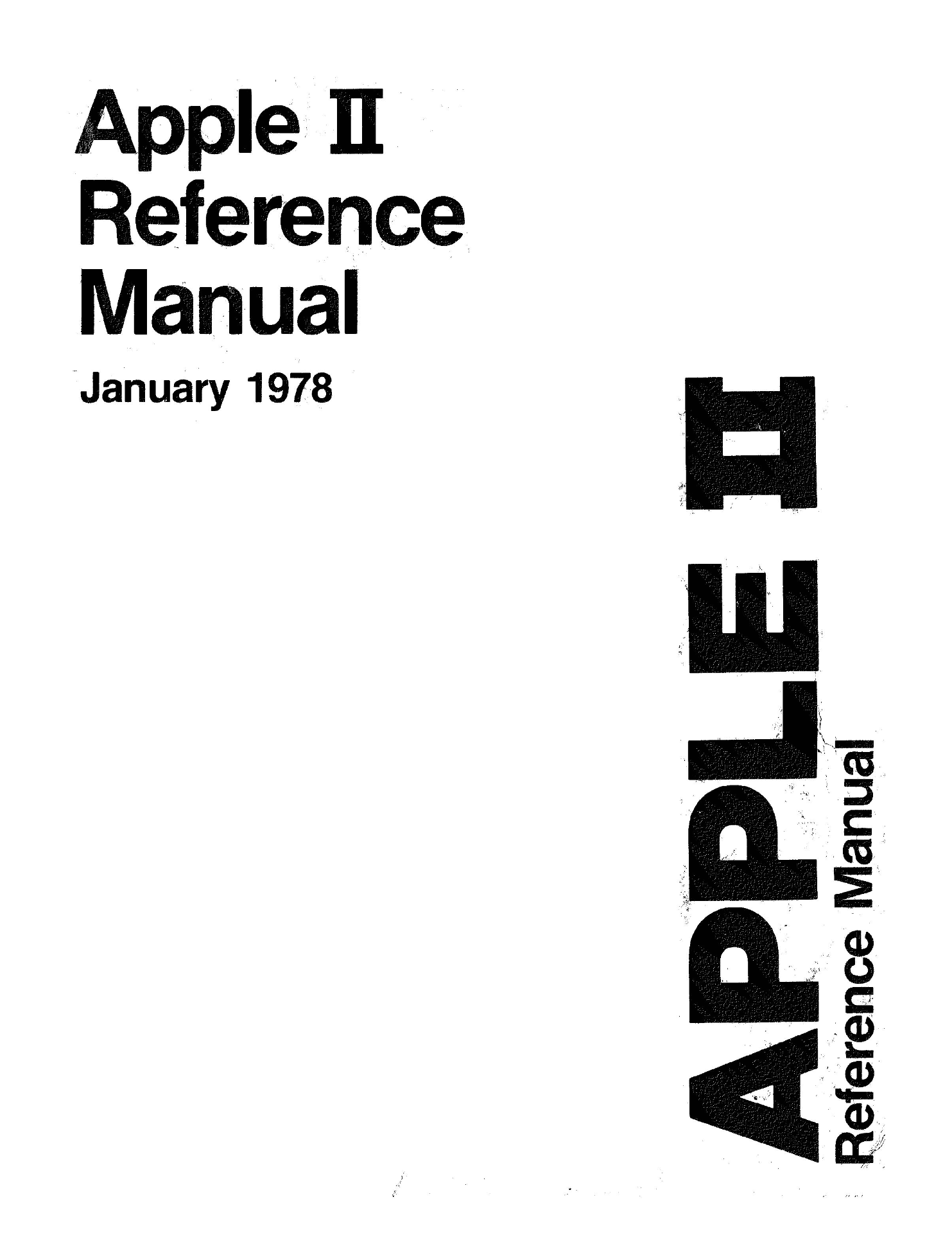
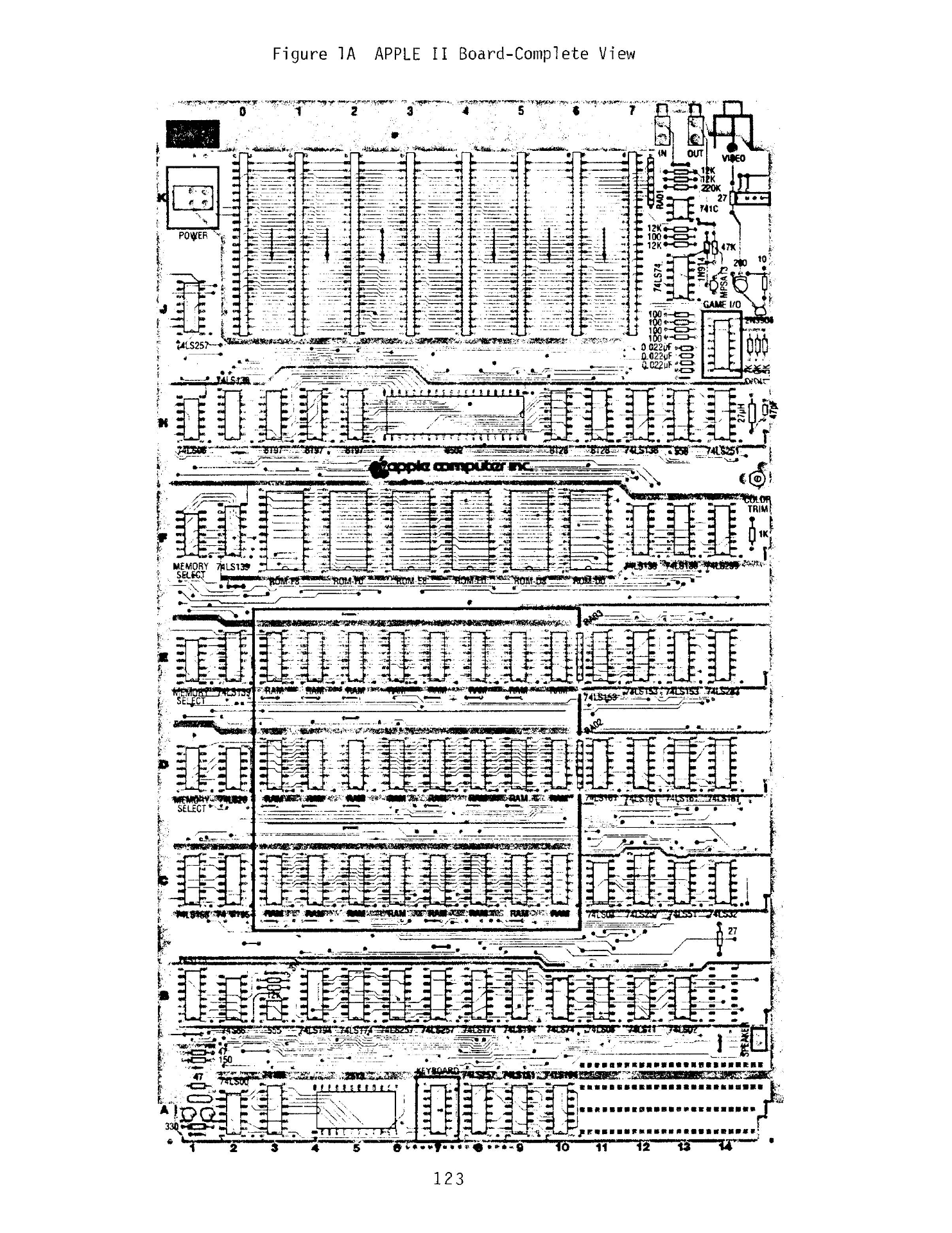
There was a time when Apple shipped the schematics alongside the computer, a time when they encouraged us to “think different.”
There was a time when Google lived by the guiding principle of “don’t be evil.”
No longer.
🧵👇
There was a time when Apple shipped the schematics alongside the computer, a time when they encouraged us to “think different.”
There was a time when Google lived by the guiding principle of “don’t be evil.”
No longer.
 As in Asimov’s Foundation trilogy, we’ve asked ourselves – what can we do to help navigate this period of chaos and usher in a new era of freedom and prosperity?
 This brought us to our beginning. To Bitcoin.
It all started with Bitcoin. It is our strong belief that a transition to Bitcoin as the global monetary standard will re-align society and fix our most important problems.
This brought us to our beginning. To Bitcoin.
It all started with Bitcoin. It is our strong belief that a transition to Bitcoin as the global monetary standard will re-align society and fix our most important problems.
 In short, we believe that “Bitcoin fixes this!” So this is where we’ve chosen to begin our journey.
Foundation believes that Bitcoin itself is at a crossroads.
On one side are ETFs, exchanges, custodians, intense and crushing regulations. On the other is custody, decentralization, permissionless innovation, financial privacy, and even an end to central banking as we know it.
This is why our first product was Passport, the best-in-class Bitcoin hardware wallet.
The most fundamental aspect of Bitcoin is to hold your own keys, to control your own money and your own destiny. Passport makes that possible for more people than ever before.
In short, we believe that “Bitcoin fixes this!” So this is where we’ve chosen to begin our journey.
Foundation believes that Bitcoin itself is at a crossroads.
On one side are ETFs, exchanges, custodians, intense and crushing regulations. On the other is custody, decentralization, permissionless innovation, financial privacy, and even an end to central banking as we know it.
This is why our first product was Passport, the best-in-class Bitcoin hardware wallet.
The most fundamental aspect of Bitcoin is to hold your own keys, to control your own money and your own destiny. Passport makes that possible for more people than ever before.
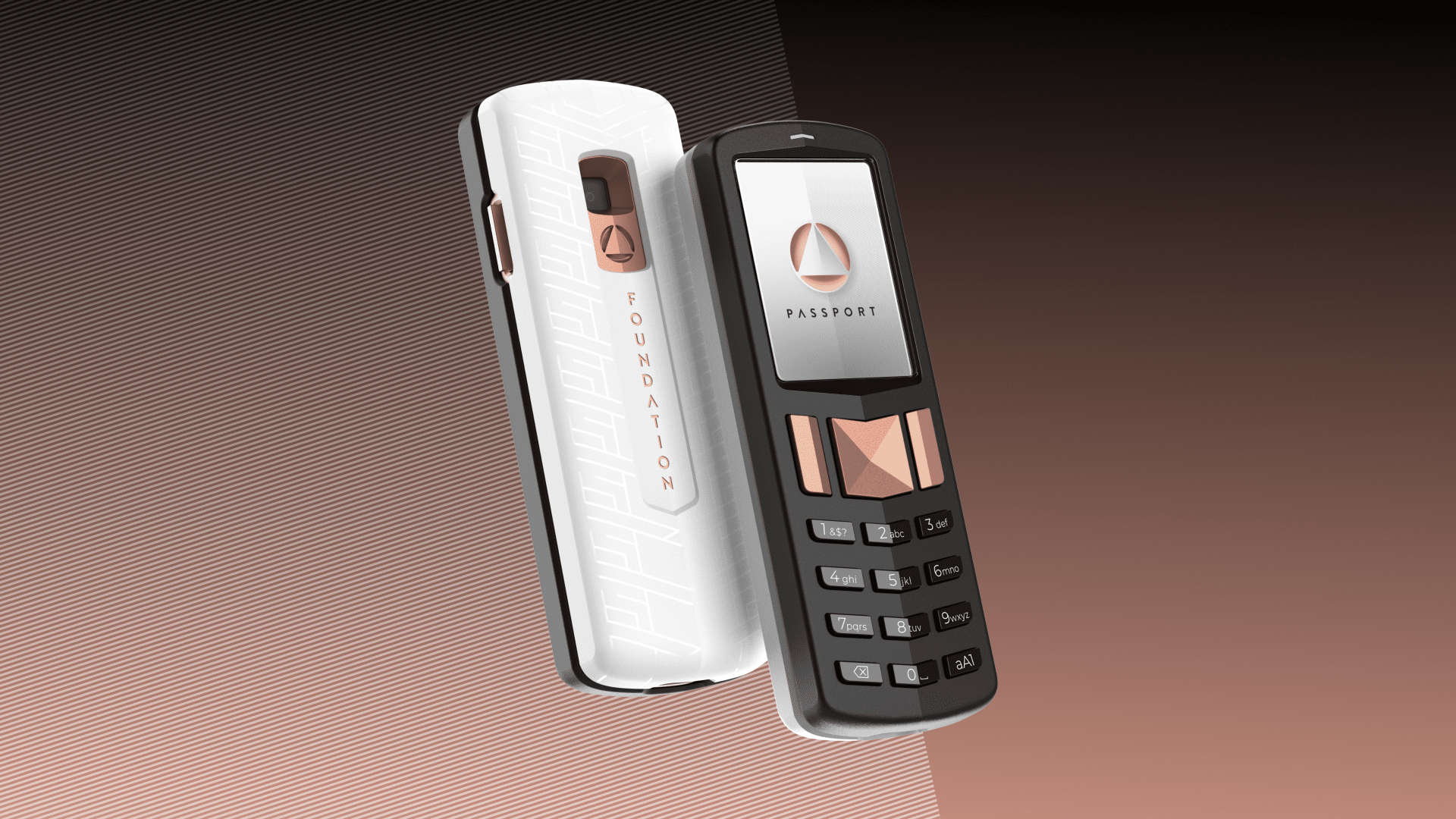 But Bitcoin needs more than “just” approachable self-custody tools, so during the 2024-2028 epoch, Foundation will build a cohesive ecosystem of Bitcoin devices, tied together by our Envoy mobile app.
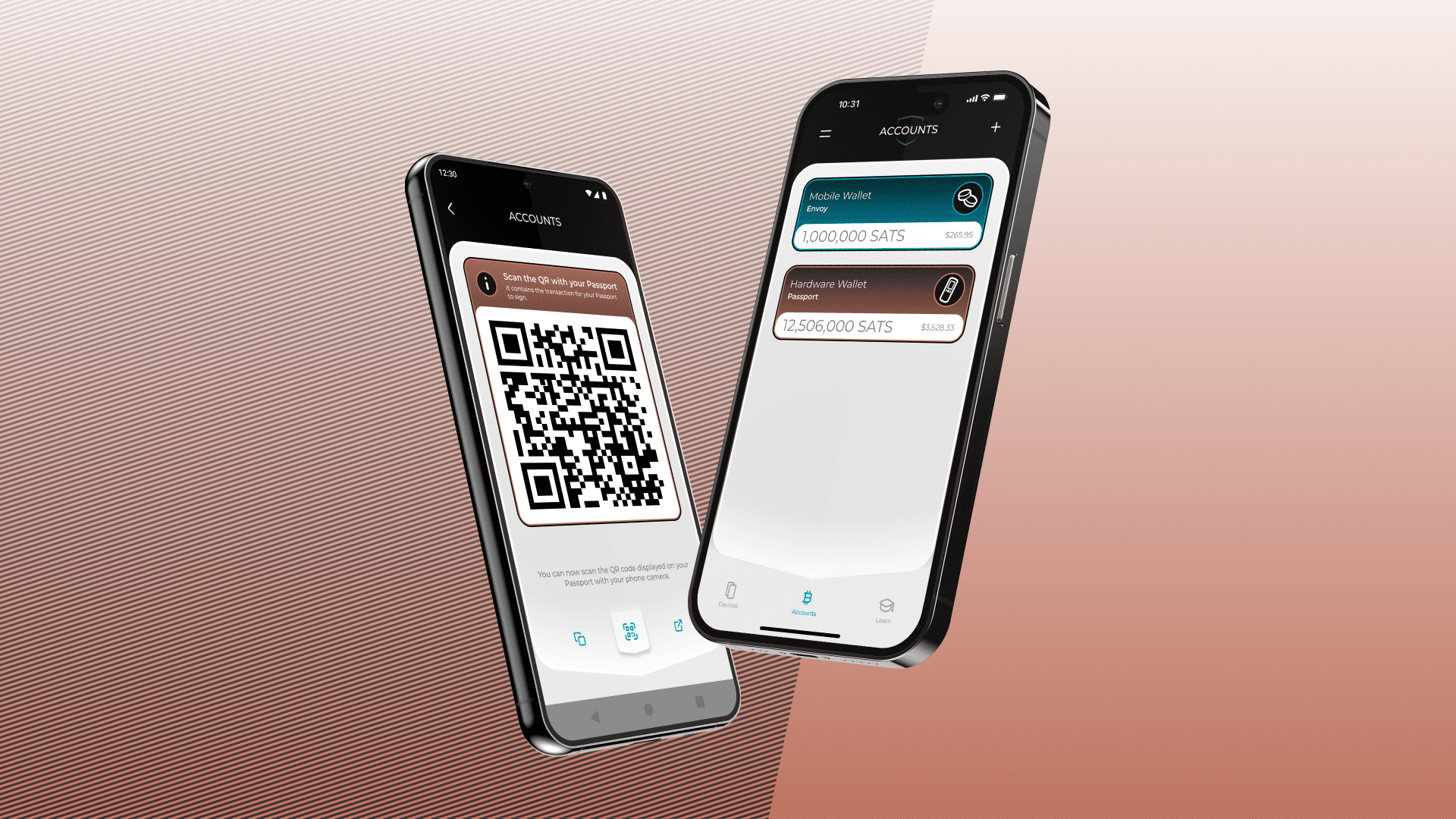 But we aren’t stopping at Bitcoin.
As the world achieves global Bitcoin adoption during the 2028-2032 epoch, Foundation will broaden our approach and focus on expanding our freedom tech ecosystem to more platforms.
Smartphones and computers running a next-gen, ultra-secure, privacy-preserving operating system.
Self-hosted smart home products with integrated AI.
Maybe even a car 🚗
Our master plan is straight-forward:
1. 2020-2024: Build a hardware wallet and mobile app.
2. 2024-2028: Use that money to build an ecosystem of Bitcoin devices.
3. 2028-2032: Use that money to build a freedom-tech computing ecosystem.
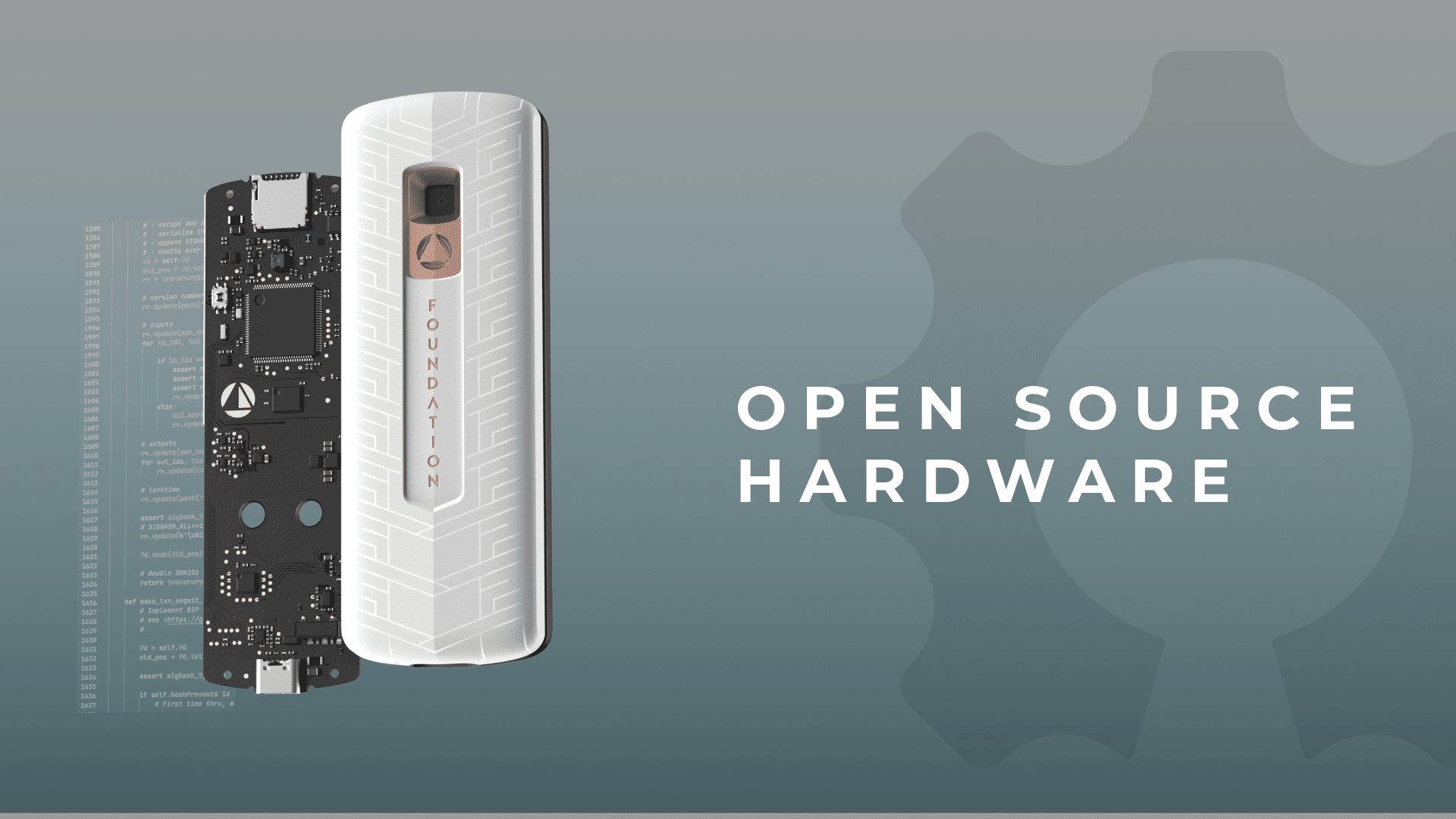
While doing all of the above, release everything as fully open source, vertically integrate manufacturing, and – most importantly – continue to hold true to our principles.
P.S. - Don’t tell anyone.
If you see the need for approachable self-custody and freedom tech, follow us
But we aren’t stopping at Bitcoin.
As the world achieves global Bitcoin adoption during the 2028-2032 epoch, Foundation will broaden our approach and focus on expanding our freedom tech ecosystem to more platforms.
Smartphones and computers running a next-gen, ultra-secure, privacy-preserving operating system.
Self-hosted smart home products with integrated AI.
Maybe even a car 🚗
Our master plan is straight-forward:
1. 2020-2024: Build a hardware wallet and mobile app.
2. 2024-2028: Use that money to build an ecosystem of Bitcoin devices.
3. 2028-2032: Use that money to build a freedom-tech computing ecosystem.
While doing all of the above, release everything as fully open source, vertically integrate manufacturing, and – most importantly – continue to hold true to our principles.
P.S. - Don’t tell anyone.
If you see the need for approachable self-custody and freedom tech, follow us 
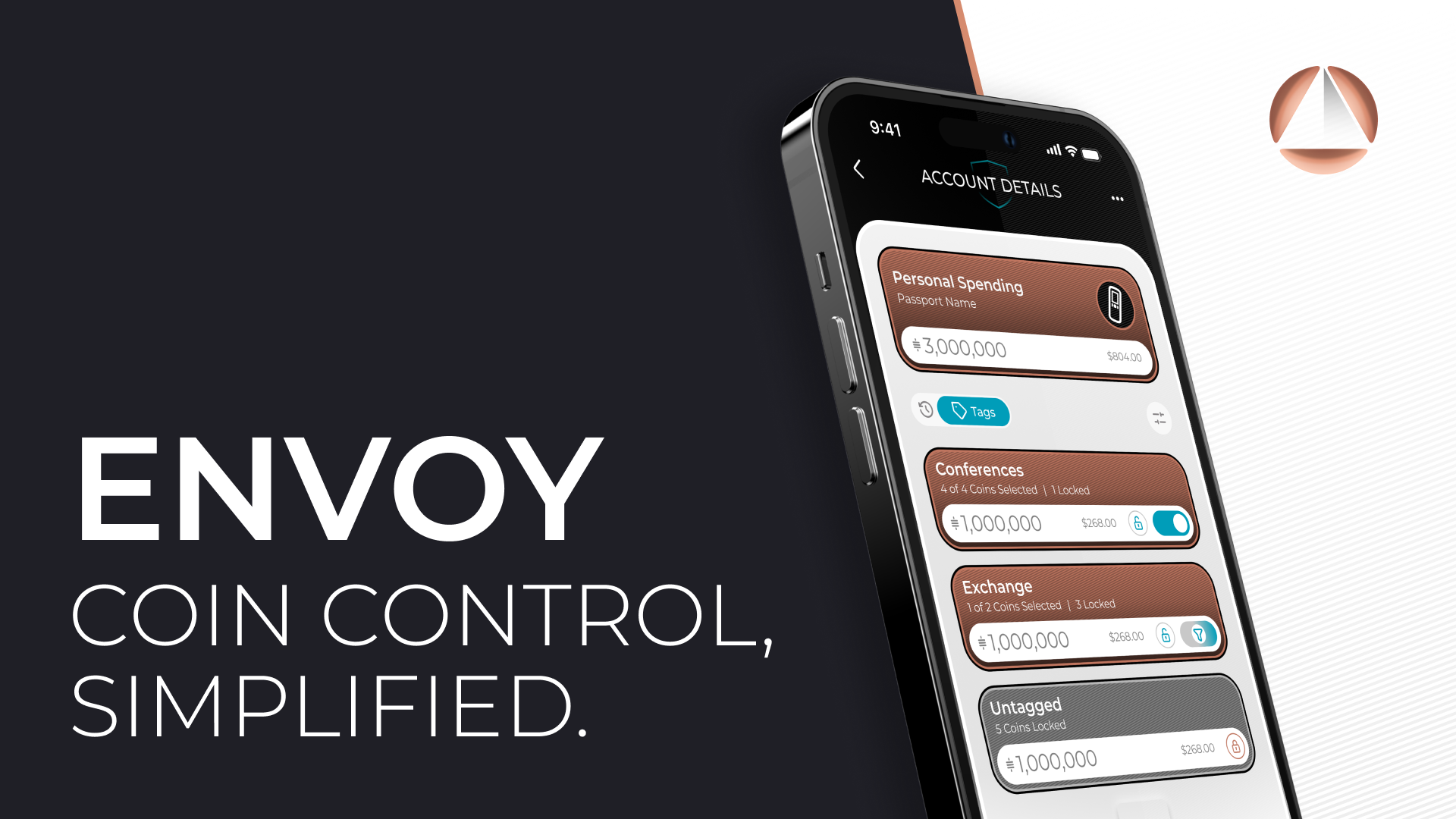
 And you're done! Once you've created a tag for the first time, tagging new coins only gets easier from there.
Easily manage your tags, delete them, rename them, or move coins between tags with just a few taps.
But coin control doesn't stop there, as it's vital that you can easily exclude specific tags or coins from being spent!
To do this, we give you the ability to easily lock entire tags or individual coins, preventing them from being spent by Envoy until you unlock them.
Simply tap the🔓icon on any tag to lock all the coins in a tag, or tap the🔓icon on an individual coin to lock just that coin.
And you're done! Once you've created a tag for the first time, tagging new coins only gets easier from there.
Easily manage your tags, delete them, rename them, or move coins between tags with just a few taps.
But coin control doesn't stop there, as it's vital that you can easily exclude specific tags or coins from being spent!
To do this, we give you the ability to easily lock entire tags or individual coins, preventing them from being spent by Envoy until you unlock them.
Simply tap the🔓icon on any tag to lock all the coins in a tag, or tap the🔓icon on an individual coin to lock just that coin.
 Once you've locked the coins you don't want to be spent, you can continue to use Envoy as normal but trust that it won't select any locked coins.
Locking coins + simply spending from Envoy is a great place for everyone to start with Envoy.
In addition to tags, you can also easily add notes to a coin or transaction to give additional context.
Notes can be far longer than tags, allowing you be more specific with where you got those coins from, what a transaction was, and much more.
Once you've locked the coins you don't want to be spent, you can continue to use Envoy as normal but trust that it won't select any locked coins.
Locking coins + simply spending from Envoy is a great place for everyone to start with Envoy.
In addition to tags, you can also easily add notes to a coin or transaction to give additional context.
Notes can be far longer than tags, allowing you be more specific with where you got those coins from, what a transaction was, and much more.
 So how do you spend from tags? 🤔
There are three ways to spend when using coin control:
1. Spend from an entire tag and let Envoy choose what coins from that tag to spend
2. Select specific coins to spend
3. Edit a transaction before sending to tweak what coins are used
Spending from one or more tags is as easy as entering an account, tapping the tag icon, and toggling on any tags you want to spend from.
Once you've done that and ensured that there are enough sats selected, simply hit Send Selected and spend as usual!
So how do you spend from tags? 🤔
There are three ways to spend when using coin control:
1. Spend from an entire tag and let Envoy choose what coins from that tag to spend
2. Select specific coins to spend
3. Edit a transaction before sending to tweak what coins are used
Spending from one or more tags is as easy as entering an account, tapping the tag icon, and toggling on any tags you want to spend from.
Once you've done that and ensured that there are enough sats selected, simply hit Send Selected and spend as usual!
 Spending from coins functions the exact same way, but you simply enter any tags you want to spend coins from and individually toggle on coins that you want to use.
Pick enough coins to cover the sats necessary, hit send, and enjoy total control 🫡
Spending from coins functions the exact same way, but you simply enter any tags you want to spend coins from and individually toggle on coins that you want to use.
Pick enough coins to cover the sats necessary, hit send, and enjoy total control 🫡
 You can also just begin creating a transaction as normal and select "Edit Transaction" before hitting send to see what coins Envoy automatically selected and edit them as you see fit.
Just be sure you include enough sats in the coins you select and hit Send when you're done!
Want to learn more about how to use coin control in Envoy? Check out our full documentation on our site, or watch the video below:
You can also just begin creating a transaction as normal and select "Edit Transaction" before hitting send to see what coins Envoy automatically selected and edit them as you see fit.
Just be sure you include enough sats in the coins you select and hit Send when you're done!
Want to learn more about how to use coin control in Envoy? Check out our full documentation on our site, or watch the video below: