Danie

Zero-JS Hypermedia Browser

avatar
Danie
danie@nostr.fan
npub1g2jp...yjj6
Testing out new wallet

Notes (20)

Winget brings Linux-like centralised package management to Windows “A package manager is a little bit like an app store, but it is both more fundamental and more versatile. Unlike app stores, which primarily deal with distributing first and third-party applications, package managers can also be used to manage the basic components of an operating system, like drivers, or major system updates.” Yes, Linux generally manages the installation and update of all apps centrally from their package managers (you can even activate Snap, Flatpak, etc updates from inside the package manager). It makes the process pretty seamless, and often involves no rebooting even. Apparently this Winget app is built into Windows already, and if so, I'm pretty amazed it is not a well-known utility already. It just needs to be activated. Certainly, if I used Windows still, I'd want to be using it. I suspect though the issue for Windows users may be that it appears to be terminal based (which is easily remedied with a batch filer and desktop icon), but seeing Linux could do GUI package managers I really wonder why Microsoft never turned this into a GUI package manager. Actually, anyone who knows Python could also make this into a GUI package manager. See https://www.howtogeek.com/forgotten-windows-utility-best-way-to-update-apps #technology #Windows #updates
2025-04-28 20:53:40 from 1 relay(s) View Thread →
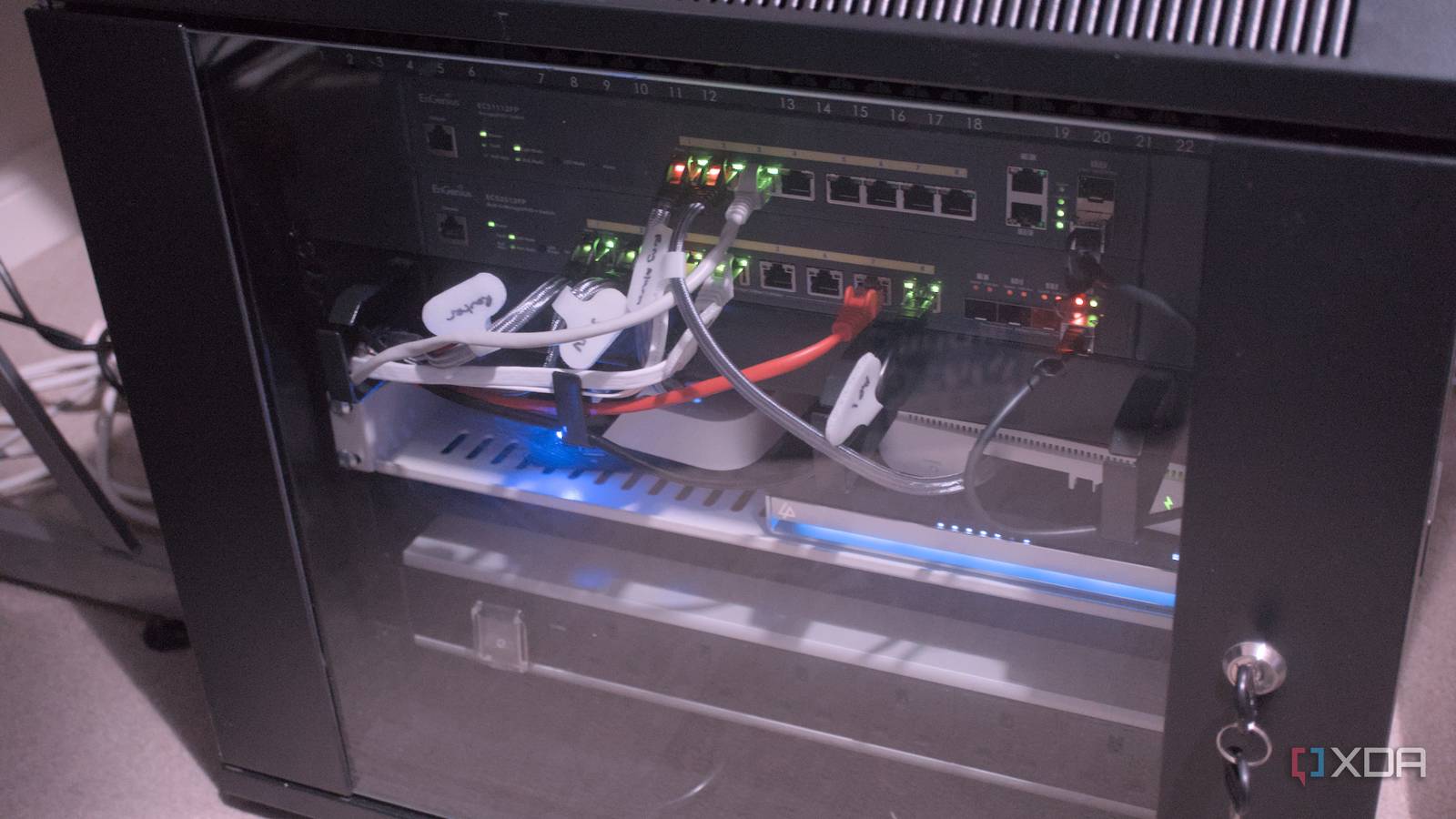
7 network security myths that make you less secure Number 5 interested me specifically as I recently installed Zenarmor to monitor my network from the inside using packet inspection. It demonstrated point 5 quite well in showing what the apps on mobile phones actually get up to in the background. I did a post a day or two back about that one ad-tracking app that tries to push lots of information out, but Zenarmor identified and blocked it. The point is, we have phones and desktop computers behind the firewall that are installing sometimes suspect applications. The apps can scan networks, can watch keystrokes, report location, and lots more. It is not wise to think the firewall is just keeping everything out, when we have brought these apps inside, and they are calling out with data. Your firewall may block all inbound traffic, but various apps, IoT devices, cameras, open their own pipes to the outside world. Even worse, some still have their default admin and password as their login credentials. So, the linked article is good food for thought. One has to think a bit deeper than just the main router, and especially if you are sitting with a default router that your ISP gave you for free with your Internet service. If your router is no longer getting firmware updates (you do update it regularly, don't you?) then you should be thinking about replacing it. My own case is a bit more exposed, as I host some services from home. My post a few months back, after I had installed OPNsense as the firewall, showed the constant barrage of hits from outside against the firewall. 99.9% of this is all automated, so no-one is worried about whether your setup is a juicy target or not, as everything gets hit from outside today. See https://www.xda-developers.com/network-security-myths-that-make-you-less-secure #technology #security #networking
2025-04-28 20:12:32 from 1 relay(s) View Thread →
SmokePing is a cross-platform open source deluxe latency measurement tool SmokePing can measure, store and display latency, latency distribution and packet loss. SmokePing uses RRDtool to maintain a long term data-store and to draw pretty graphs, giving up-to-the-minute information on the state of each network connection. Its Main Features are: * Measures latency as well as latency variation. * Wide variety of probes, ranging from simple ping to web requests and custom protocols. * Advanced alarm system, triggering on configurable 'latency patterns'. * Master/slave deployment model to run measurements from multiple sources in parallel. * Ajax based graph navigation. * Chart mode, to show the most interesting graphs first * Plug-able probes, alarms (matchers) and charting function. * Written in Perl for easy expandability. * Fully documented. But whilst it is really feature packed, it is a pretty steep learning curve to just get going, compared to say the proprietary Windows version of PingPlotter that I used many years ago. I'd say the Docker install of SmokePing is maybe a trifle easier, as the config files etc are a bit more standard than the various flavours of Linux install (the AUR install was putting config files in a different place for me). However, if you do want a more of a PingPlotter alternative, there is also Pingnoo for Linux that is as easy as PingPlotter to get going and shows traceroute as well. See https://oss.oetiker.ch/smokeping/index.en.html #technology #opensource #networking
2025-04-28 07:57:45 from 1 relay(s) View Thread →
This is why Big Tech sites are free of cost, and thriving I picked up on this today after noticing ZenArmor blocking masses of attempts on my network from a mobile device trying to phone home for an app called Appsflyer. It seems it is embedded into apps for Meta (which operates Facebook, Instagram, and WhatsApp), X, TikTok, Google Ads, Hulu, eBay, etc. It tracks and analyses user behaviour, supposedly inside those apps. The linked video is explaining to app developers and its customers how it works, and how in 2022 there were nearly 2 billion active users. But pretty damning, at 04:14 it says it can even track users who have uninstalled the application (really, how?). No mention at all in the video about any customer rights, or rights to opt out of this tracking. The company, Appsflyer I imagine, is a licensed partner of Apple and Google. Now we can see why some companies get really rich off their free sites, and why decentralised open source platforms have to keep appealing for donations and cannot scale very big otherwise. The difference is those open source platforms respect their users' privacy, and they live or die by donations and grants (whether in money or labour forms). See https://www.youtube.com/watch?v=C_5xblEIvvU #technology #adverts #tracking #BigTech
2025-04-26 16:41:05 from 1 relay(s) View Thread →
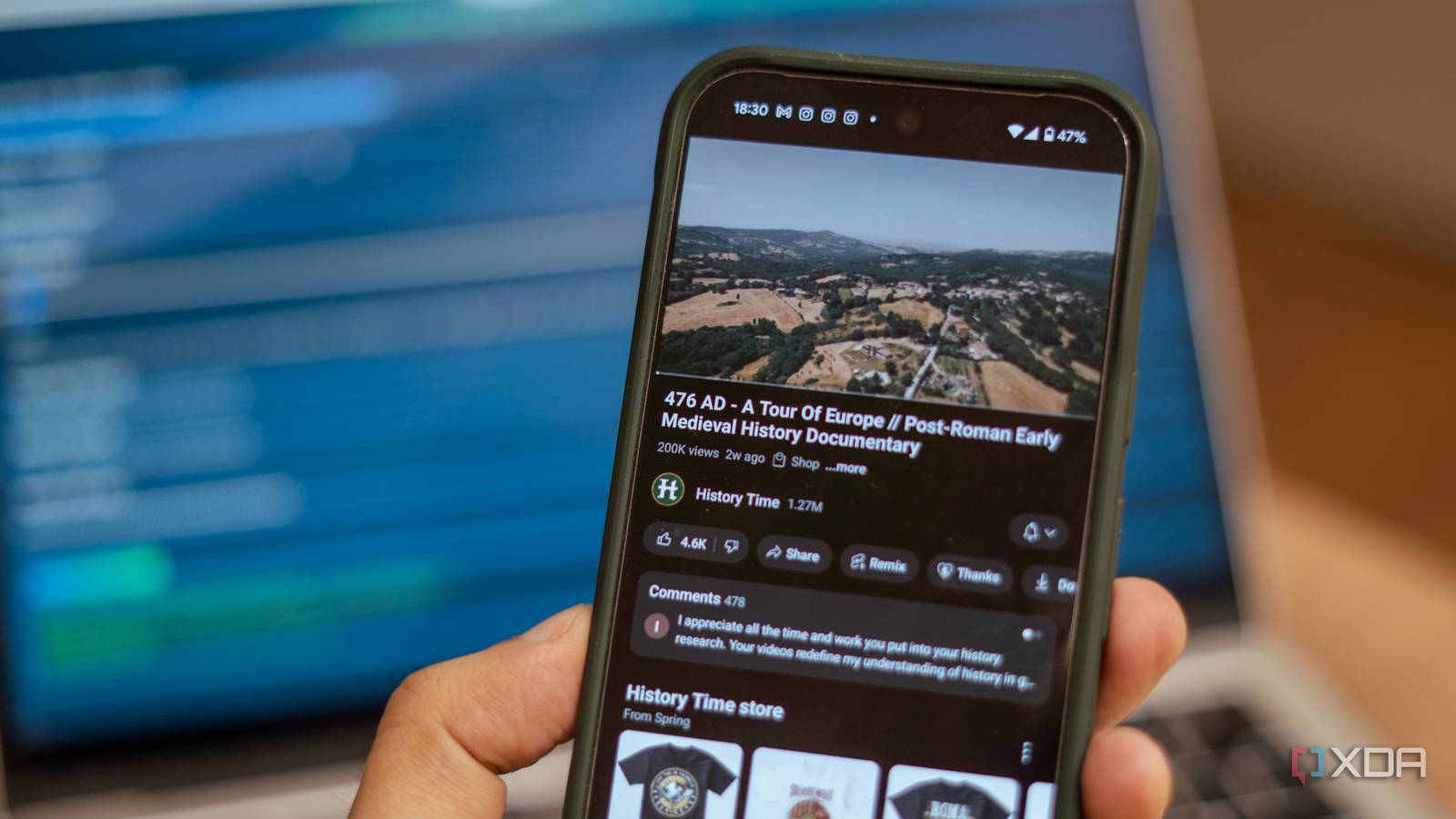
A solution to turn YouTube video playlists into a cleanly formatted text document “But when I wanted to actually study the content, make notes, or review everything without distractions, I realized how limiting YouTube really was. There is no easy way to extract the content, structure it, and turn it into something readable offline. That's before I discovered an incredible GitHub project that lets you take a YouTube playlist and spit out a clean, formatted document that you can turn into an eBook, a PDF study guide, or even a blog post. It’s a simple Python-based tool, but what it enables Python-based tools is kind of magical. Here's how it works.” This could be pretty useful for those who want an indexed reference to a long series of tutorials on some topic covered on YouTube, to study, share, or archive. It basically involves cloning the GitHub repository provided, and having Python installed. It also makes use of Google Gemini to help with formatting, summarising, etc to make the output more meaningful. See https://www.xda-developers.com/turned-youtube-playlists-into-ebooks #technology #learning #YouTube
2025-04-26 13:21:01 from 1 relay(s) View Thread →
Samsung's Glasses-Free 3D Gaming Monitors Are Now Available I do love my 3D TV, so this looks quite interesting. But lots of information not really given, so it is difficult to tell whether there is processing in the display too, or is it all driven on the computer side. Yes, no glasses required, but does it work on Linux or is Windows required (I'd rather buy glasses to be honest). So, this is rather going to be a matter of watching some real-life reviews when those get published. And of course, the little matter of the price tag being basically US$2,000. See https://www.howtogeek.com/samsung-odyssey-3d-monitor-release #technology #3D
2025-04-24 18:18:21 from 1 relay(s) View Thread →
Vivo has an optional Photographer Kit adds a removable grip and a telephoto lens with an 8.7x zoom This looks quite interesting, as I was saying just this week, I'd love to see proper lens attachments for Android phones. Ideally, though, I was wanting more standardisation on the lens positioning and a provision of a bracket that standardised lenses could be attached to any conforming Android phone, and not be a unique lens per brand. It is going to be intriguing to see what DXOMARK's camera tests reveal in practical testing. It's true too that the sensor is still smaller than a DSLR, and there is no variety of other lenses to choose from. Still, I hope this spurs on more brands to consider proper lens attachments. See https://www.theverge.com/news/652506/viva-x200-ultra-smartphone-camera-snapdragon-8-elite #technology #mobile #photography
2025-04-21 20:40:43 from 1 relay(s) View Thread →
The cross-platform open source Kate Text Editor is a powerhouse of features So many of us just use an editor for basic document or text file editing, but this editor does go way past that, and is also a very user-friendly graphical user interface too. The editor has numerous plugins available to further extend that functionality. Apart from code formatting (as in for many coding languages), it also has sessions, colour schemes, debugging adaptors, move and splitting of views, a terminal, Git integration, snippets, and lots more. You may say that VSCode also has this, but Kate is a lot simpler to navigate, and it is open source and will be around for a long time to come. It's been my own go-to editor for as long as I've been using a KDE Desktop. See https://akselmo.dev/posts/how-i-use-kate-editor #technology #opensource #editors
2025-04-21 19:42:35 from 1 relay(s) View Thread →
Bluesky Is Rolling Out Official Verification “Starting today, Bluesky is rolling out a new verification system, complete with the familiar blue check marks popularized by Twitter. The highest-priority accounts right now are government officials, news organizations and journalists, and celebrities.” This is a good move as the platform has attracted quite a few celebrities as well as mainstream news media. There is also provision for some organisations to become their own trusted verifiers, I imagine for their journalists. And of course, anyone can still self-verify against their own domain name (just without a blue tick mark). See https://www.wired.com/story/bluesky-official-verification-blue-check #technology #bluesky #socialnetworks
2025-04-21 19:18:33 from 1 relay(s) View Thread →
Someone made a LiDAR scanner with a Raspberry Pi, and it looks awesome “If you've never heard of LiDAR before, it stands for “Light Detection and Ranging.” It can map out an area by firing lasers at it and recording how long it takes for the reflected light to return. It's a handy way of creating a 3D model of a physical space, and you may have even played horror games that use LiDAR scanners to particularly creepy effect.” When I still had an iPhone, I remember having lots of fun using its LiDAR to create 3D models of all sorts of things, including my wife's car. LiDAR sensors are not very prevalent on phones, so this open source project could be a good alternative if you are looking to create 3D models for gaming, home design, etc. See https://www.xda-developers.com/lidar-scanner-raspberry-pi #technology #LiDAR #3D #opensource
2025-04-19 13:20:06 from 1 relay(s) View Thread →
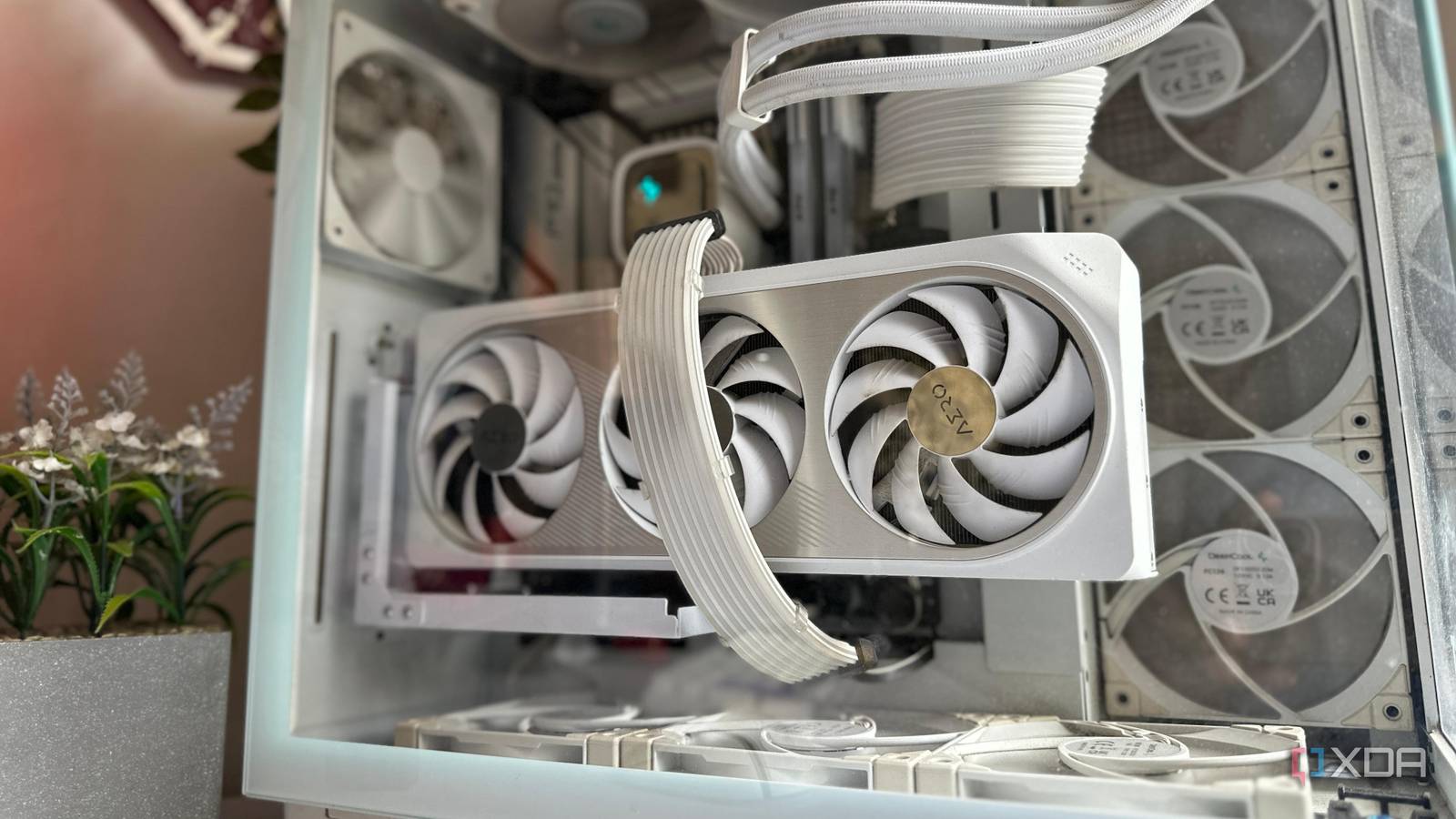
6 mistakes you're making when buying new case fans for your PC Saving a few cents can cost you in the long run. Ideally you want the fans to last a few years, be silent, and work efficiently. Too many people just choose the cheapest for the size, and use that. Some excellent practical advice in the linked article. These are a few of the key considerations you need to think about. Don't get too hung up if your motherboard has too few fan hubs, as you can use fan header hubs to connect fans together. Just pair fans on a hub that you want to work together in a group, e.g. I paired my front fans on one hub, and the rear fans on a separate hub. See https://www.xda-developers.com/mistakes-to-avoid-when-buying-pc-case-fans #technology #hardware #cooling
2025-04-19 13:08:52 from 1 relay(s) View Thread →
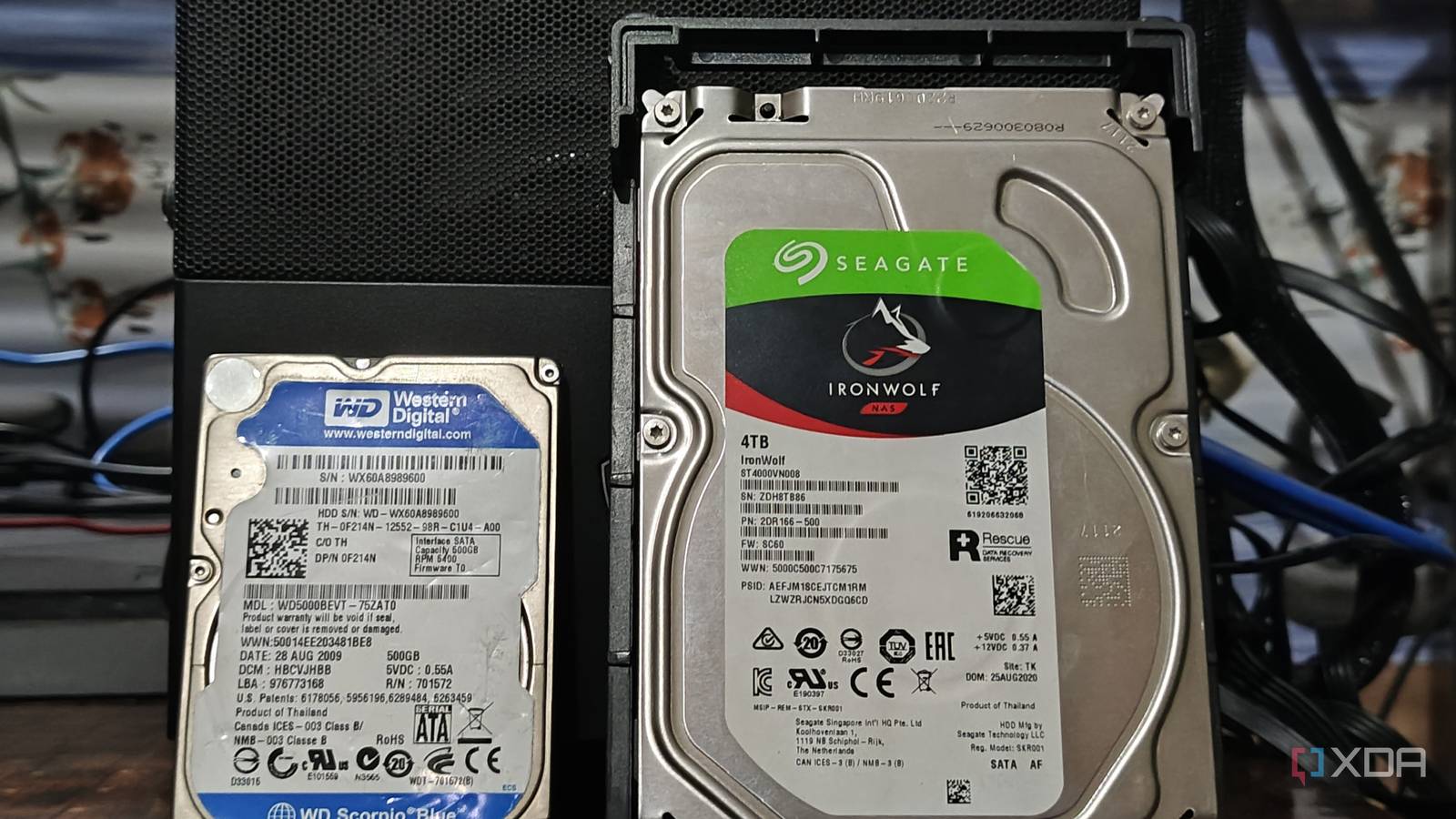
Vantec NexStar JX NST-358SU3-BK External Drive Enclosure Video I bought two of these enclosures recently to help transition from my existing 2.5" USB connected external hard drives, to 3.5" eSATA connected external drives. So I was looking for a drive enclosure that could house both drive sizes, and also handle both connector types. One of my 2.5" external drives started failing, so I bought a Seagate IronWolf drive to replace (NAS compatible to run 24/7 unlike the failed Seagate Barracuda drive). I also wanted to transition to eSATA connectors because my OpenMediaVault server does software RAID, but does not want to use USB connections for that. I show the drive enclosure that will be housing the new 3.5" drive. This drive has already been set up to operate as the first drive in a 2-drive RAID 1 array (mirrored). As I do not yet have the second new drive, it will run in a degraded array (missing drives) and I will do a scheduled nightly rsync to the second drive over the USB connection. When the new second drive arrives, that will go into the other enclosure on its eSATA connector, and the RAID will be complete and do its mirroring in the background automatically. Watch https://www.youtube.com/watch?v=Dh0ryzH6T-w #technology #hardware #driveenclosures #unboxing
2025-04-18 13:45:38 from 1 relay(s) View Thread →
You're Missing Out on Hidden Android Updates Yes, apart from the cascading OS updates through each manufacturer, there are also Google Play system updates which are firstly hidden away under the About Phone menu, and most weirdly of all, they don't auto install or even notify you of updates. These are quite important actually, as they are generic app updates that Google rolls out across Android devices, and they get past manufacturers which no longer update some system apps. They also add new features to the Google Play Store and Google Wallet. They do come out every month, but my experience is I don't see them monthly on my phone. However, if you leave it too long, I'be seen like three updates in a row that I've had to apply, so check again after you've applied one. Interestingly, too, the linked article also gives a link to a page where you can see what each month's update has brought as a changelog. See https://lifehacker.com/tech/youre-missing-out-on-hidden-android-updates #technology #Android
2025-04-15 20:51:31 from 1 relay(s) View Thread →
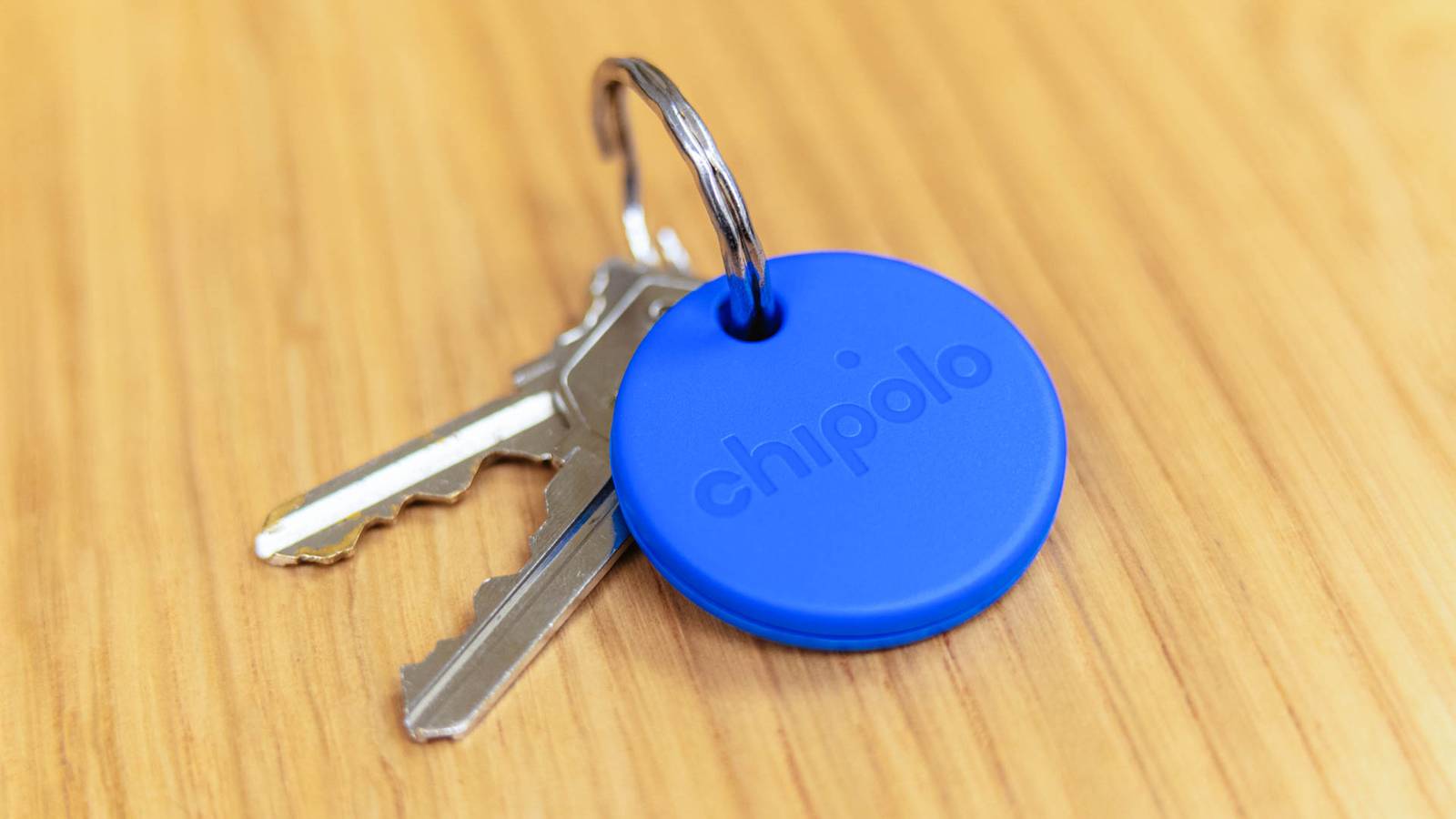
You Don’t Have to Choose Between iPhone and Android With the New Chipolo Pop Tracker Well this tracker does tick most of my boxes as I do like that it can leverage off both the iPhone and Android tracking networks, and that it also has separation alerts. The replaceable battery, with 12 months expected life, is also a plus. The dual network support is important as it prevents any vendor lock-in if you decide to change your phone ecosystem (which I've done more than once). It however does not seem to support UWB (Ultra-Wideband) to show the distance and direction from the tracker for closer range finding. It can though activate an audio alert on the tracker when nearby to assist with finding it. See https://www.howtogeek.com/chipolo-pop-tracker-iphone-android #technology #trackers
2025-04-15 13:08:06 from 1 relay(s) View Thread →
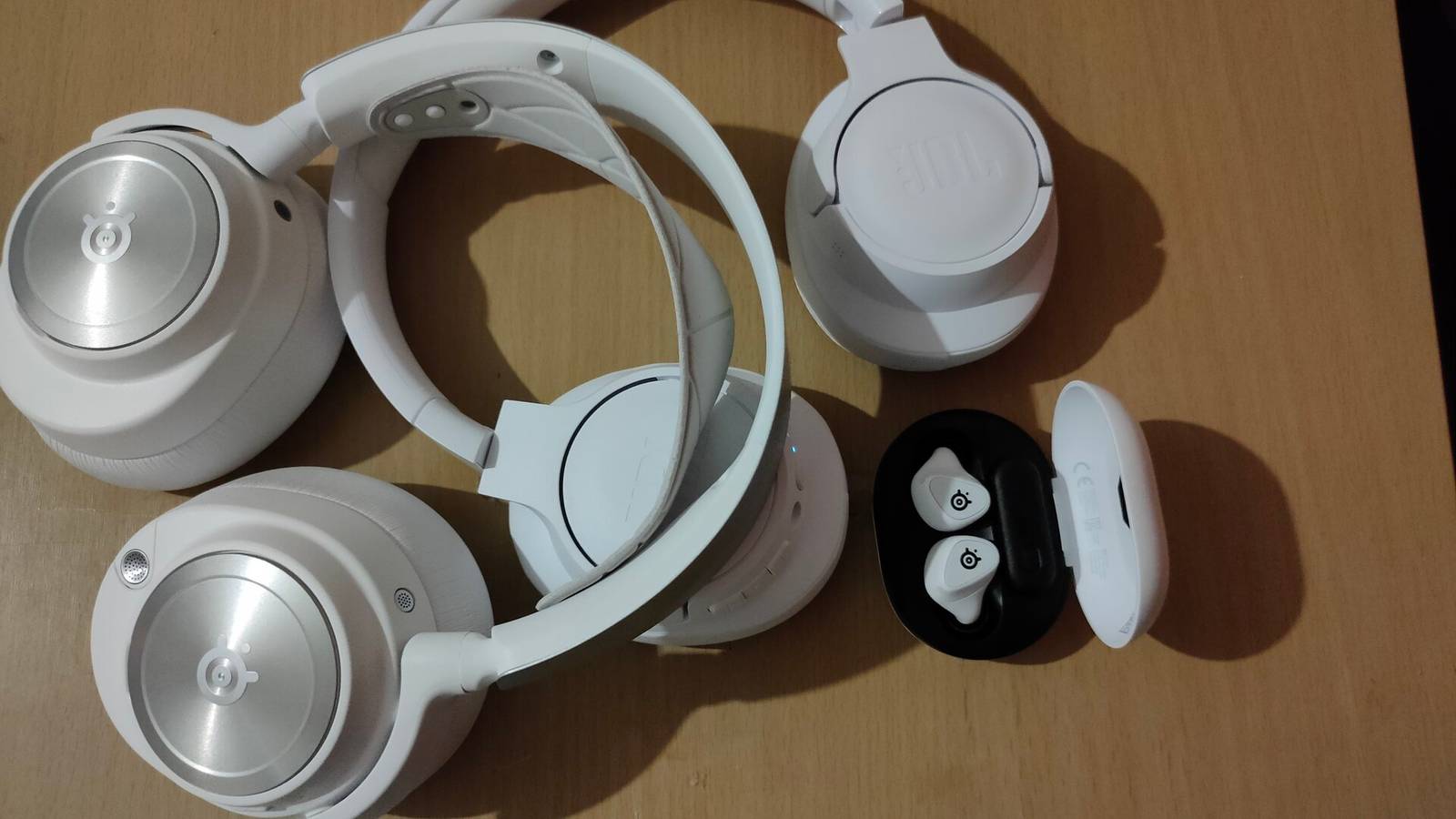
I Didn't Think I Needed Noise-cancelling Headphones—Until I Tried Them I also resisted worrying about paying a bit extra for active noise-cancelling (ANC) earbuds, until I finally bought a pair a bit over a year ago. Now I would not consider buying again without ANC. I go to shopping malls once week and that constant noise level and background announcements are just silenced. But actually that is not the only reason, as this linked article points out. The other two reasons are just as important, and I probably just took them for granted. Because the ambient noise level has largely disappeared, you can reduce the volume level and listen better to quieter music or other audio. This means you don't have to have a higher volume level, which is safer for your ears. The other reason, which I use every single time I am out, is that because ANC earbuds and headphones have microphones in, they usually have a pass-through or transparent mode. So whenever I need to speak to someone I just do a long-touch and transparent mode activates and the microphones pass the sound through, without me having to remove an earbud. Yes, they do typically have an auto-pause for if you do take an earbud out. That also serves as a warning if one happens to fall out (that's never happened to me). Some will say that ANC is not going to be pure Hi-Fi sound, and maybe that's true, but I listen to podcasts mostly and my hearing is anyway nowhere good enough anymore to detect 40 Hz to 20 kHz anymore. I found the Anker Soundcore Liberty 4 NC's have worked well for me and were pretty good value, but there are now many brands making good ANC earbuds and headphones. See https://www.howtogeek.com/i-didnt-think-i-needed-noise-canceling-headphones-until-i-tried-them #technology #ANC #audio #noisecancelling
2025-04-13 08:13:31 from 1 relay(s) View Thread →
Mapping legend UK Ordnance Survey releases blocky Britain in Minecraft – again “This cubist version of the British Isles is estimated to be made up of more than 100 billion blocks, and contains all the features you would expect to see, such as motorways and roads, vegetation, meadows, woodland, lakes, rivers, sand beaches, railways and islands.” I just love this spirit of adventure and can see how this could appeal to adults and kids alike. It also sort of “puts your country on the map” so to speak. What I love even more is this challenge to other countries: “We want this to be a resource for anyone to try. Ordnance Survey is an organisation founded on exploration and we encourage anyone to do the same with these maps!” See https://www.theregister.com/2025/04/12/ordnance_survey_releases_blocky_britain #technology #UK #Minecraft #gaming
2025-04-12 17:14:32 from 1 relay(s) View Thread →
7 cable management tricks I regret not learning sooner “Cable management is a boring but necessary part of any PC build. Without it, you'll struggle to make sense of the cable jungle inside and outside your PC, and end up shoving cables wherever you can. That poses other problems related to airflow, dust accumulation, cable damage, diagnostics, and, of course, aesthetics. When I first started building PCs, I never did any cable management. Gradually, I learned the hard way that I should have picked up some tips along the way.” The very first tip about choosing the right case in the first place really brings something home to me that I have been learning as I got wiser in life. Buy the cheapest device/components, and it will last a much shorter time than a well-thought-out and maybe slightly more expensive purchase. Too often, we aim to save money up front, not realising it will actually cost us more over time. This is true from CPUs, to smartphones, to chargers, to cables, and most other things. Buy a bit better, and it won't run out of steam too early, won't cause RF interference, will have some capacity to take upgrades. Just some examples: * choosing an AMC CPU often means you can upgrade it later without having to buy a new motherboard. * a higher end smartphone can typically be used longer because it gets updates longer, and it was faster to start with. * a better power supply will give more stable performance, and may well have modular cabling. * a good choice of case, will mean you can likely do a few motherboard etc upgrades without having to replace that case for many years. * even a simple thing like an air duster, if you buy the cheapest, you just don't get the performance that does the job a lot quicker. * a slightly better buy also frequently comes with better support, a better warranty, and longer software upgrades. * a better office chair may not look glitsy, but it can have a 10-year warranty (I've had to throw out cheaper gaming chairs after just two years of use). * in a NAS type setup, using a desktop rated hard drive is going to last a shorter time than a NAS rated hard drive. See https://www.xda-developers.com/cable-management-tricks-i-didnt-learn-sooner #technology #cables #quality
2025-04-11 21:45:27 from 1 relay(s) View Thread →
Hackers Exploit WordPress mu-Plugins to Inject Spam and Hijack Site Images “Threat actors are using the “mu-plugins” directory in WordPress sites to conceal malicious code with the goal of maintaining persistent remote access and redirecting site visitors to bogus sites.mu-plugins, short for must-use plugins, refers to plugins in a special directory (“wp-content/mu-plugins”) that are automatically executed by WordPress without the need to enable them explicitly via the admin dashboard. This also makes the directory an ideal location for staging malware.” This is actually a major problem because just about every WordPress site has this directory by default. It can just be deleted in many cases, but right now it is probably just sitting there waiting to be exploited. As the majority of websites on the Internet do use WordPress, this is a concern right now. So if you are a WordPress admin, you want to read the linked article and do the checks. If you don't use that directory, then it is probably safer to just delete it. Just keeping your installed plugins and themes up to date won't mitigate this risk, but updating is always a best practice, and WordPress lets you enable auto-update for plugins. See https://thehackernews.com/2025/03/hackers-exploit-wordpress-mu-plugins-to.html #technology #WordPress #vulnerability
2025-04-11 13:52:17 from 1 relay(s) View Thread →
Google's Street View data can now help analyse infrastructure like roads and utility poles “Government agencies and businesses will be able to use Street View data to analyse roadways, traffic patterns, and utility poles, starting today. It's all part of a push by Google to combine its maps database with AI and BigQuery to offer real-world insights. The company revealed it is adding support for geospatial analytics in BigQuery, meaning decision-makers can now detect damaged infrastructure.” This could certainly be useful to utility companies which are focussed on analysing and improving their signage etc. I remember years ago suggesting to our city's bus service (Golden Arrow Bus Services that is, not MyCiti who already has their routes on Google Maps and their own app) that they consider also putting their routing on Google Maps, as it would be way easier for commuters to use. Their own website was a major mess and there is no easy way of seeing when a bus would stop where, and certainly not where their service intersects with other bus and train routes. Sometimes it is just better to adopt a service that many of your commuters have free and easy access to, and which works across other transit services too. In fact, Golden Arrow Bus Services (GABS) in Cape Town is so bad, let me expand on that. Their website is a bunch of loose routes. There is no map even to show where are the routes go, and the search block returns nothing if you put say a suburb name in to just try to narrow down what routes pass through a suburb. There is none of those obvious aids to help you. Sending in suggestions and escalating those made no difference whatsoever. So yes, I cannot say all utilities and services are actually focussed on making their services better. But providing another useful tool for them is always a good thing. See https://www.androidpolice.com/google-maps-gov-business #technology #streetview #signage
2025-04-11 08:19:18 from 1 relay(s) View Thread →
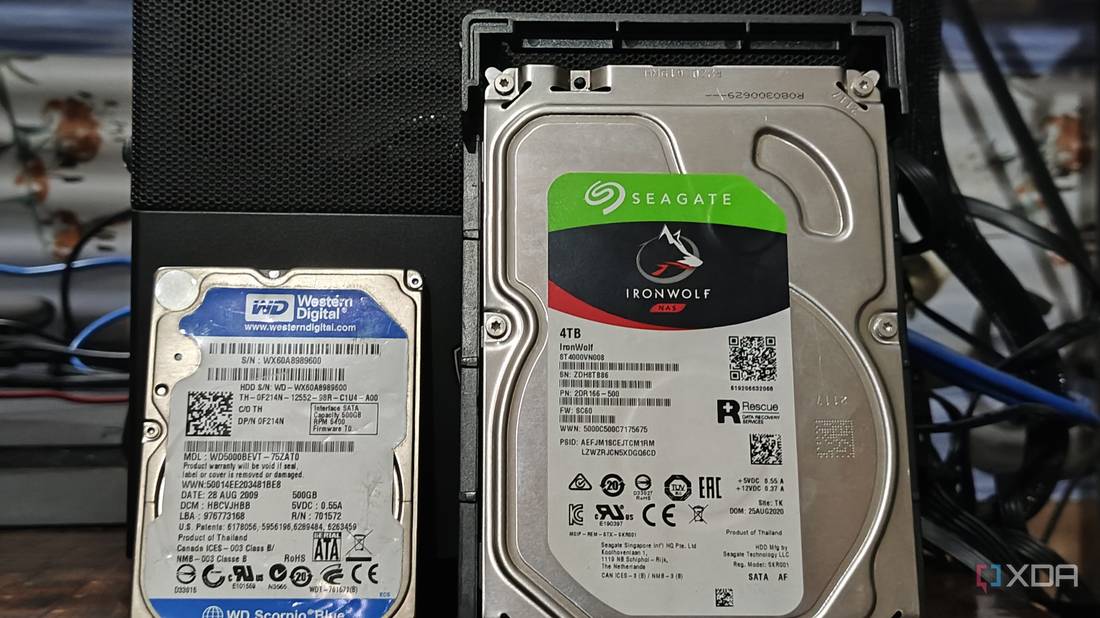
How having an online backup saved my home server today I have a physical server running at home that has a few services running on it, including Nginx Proxy Manager to route external network traffic to an OpenWebRx SDR that I host at home. The server boots off its own NVMe internal drive, but has two 4 TB 2.5″ drives connected by USB to it, on which the Docker container data sits. The server runs Open Media Vault OS which monitors everything. The backups are configured with Timeshift backing up the OS boot drive to external drive 1. My desktop computer backs up over the network also to external drive 1. At about 02:00 or so, there is a rsync that runs to mirror external drive 1 to external drive 2. So external drive 2 is a full backup of everything. I noted about a week ago I was getting SMART reports mailed to me complaining that external drive 1 had picked up about 32 uncorrectable errors. I checked its age and yes the drive has been running continuously for over 5 years now. These are Seagate Barracuda drives, so actually are not designed for this type of punishment. They are anyway due for replacement (with Seagate IronWolf drives, which are better for NAS type operation). I also decided to order the SATA port kit to allow me to connect the new drives via eSATA connections. This would allow better access from the BIOS for managing the drives, and also some faster performance than USB. This kit is on order from the Tariff War country and still on its way. Just yesterday, I decided to order the first Seagate IronWolf drive from a local supplier. I ordered it with normal “cheaper” courier delivery. But little did I know that the first external drive was about to go downhill. I noticed yesterday’s SMART report now mentioned 80 unrecoverable sectors. Ouch, this means the situation is actually worsening. But there are millions of sectors, so surely this will hang on OK for a few more days… External drive 2 was still OK as, although it was spinning for 5 years, it only did a rsync every 24 hours. Well, no, it seemed it would not. At about midnight last night, I was just going to check something on Jellyfin on my phone, before I went to sleep, and I was prompted for the login password. The password was not accepted, and I struggled a bit further until I noticed most of my Docker services were not responding. I rebooted the server but still nothing. So, I stumbled through to my study at 01:00 and switched the desktop PC on. After logging into OMV I noticed external drive 1 was not showing. Long story short(ish), I realised it had died. I did manage to remove that drive from the fstab boot config, and to set external drive 2 to use drive 1’s description, etc. OMV then was able to recognise drive 2 as drive 1, and everything worked again. So, it is all up and running, but without any backup drive now. There was quite a bit of fiddling needed to remove drive 2’s references, as OMV kept complaining that the drive config could not be removed as it was still referenced somewhere. So another lesson to try to make this easier in future, is now that I will have the eSATA connections to the drives (OMV does not want to do RAID with USB connected drives), I will rather set up a RAID 1 mirroring. This is not so heavy on the drives, as it just does a write to drive 2 every time anything gets written to drive 1. But there is no heavy-duty RAID rebuilding taking place. RAID 1 will work pretty well, much like my rsync did, but will be more real-time, so I won’t lose a few hours of changes if there is a crash in future. Also, any RAID does mean you have to format the drives and use the accepted RAID naming hierarchy. But something interesting I picked up for RAID 1 mirroring, is that you can configure it using just drive 1, and tell it drive 2 is missing for now. Then you can copy your data over from drive 2 to drive 1, configure OMVs paths for the containers to see new locations, and then format and mirror to drive 2. So why did I not go for a full external NAS or a DAS (Direct-Attached Storage) without NAS functionality)? Well, if you want to properly monitor and manage your drives via SMART data, a DAS is not really an option if RAID is used, as OMV will not see the individual drives. Also, my Lenovo server does not have port multiplying functionality, which is needed to recognise multiple SATA drives across a single eSATA link. A full NAS of course is probably ideal as all the CPU and bandwidth sits inside the NAS, as well as the management software. But a 4-bay NAS is not really affordable for me. So after looking around for quite a while I actually found an interesting drive enclosure that will house both 2.5″ (my current drives) as well as 3.5″ drives (the new Seagate IronWolf, with the 123V external power needed for the 3.5″ drive) and it can connect via USB or eSATA. It is sort of the best of all worlds for transitioning between drives and setups. I’ll only be able to get another IronWolf drive next month, so this will work for now. It is the Vantec NexStar JX NST-358SU3-BK. So, as soon as I have the drive enclosures and the new IronWolf drive has been tested, I’ll set up the new drive on its own in a RAID 1 configuration, copy the data from the remaining Barracuda drive onto it. Then let the Barracuda drive be drive 2 in the RAID config so that backups can continue. When the next IronWolf drive arrives, that can replace the Barracuda drive, and the RAID setup should rebuild it for backup use. So quite a bit of drama, but it has made me realise two things: * It is vital that you have full backups which are automated to run daily. * RAID 1 is an easier way to mirror a drive, and makes any drive replacement a lot more seamless in future. * Bonus lesson also is not to use desktop drives in a server type setup. For the price I paid for 2.5″ drives (powered by USB) I could have bought better suited NAS drives in 3.5″ form factor. Yes, I suppose a proper NAS is going to be a better solution than software RAID in the longer run. So I will spend some time researching options around that later this year. The drives are not wasted as they can be used in a NAS as well now. From https://gadgeteer.co.za/how-having-an-online-backup-saved-my-home-server-today #technology #storage #backups
2025-04-09 15:03:05 from 1 relay(s) View Thread →