Bitagent πŸ‡¨πŸ‡­'s avatar
Bitagent πŸ‡¨πŸ‡­
_@bitagent.ch
npub1qah2...lm40
Buy Bitcoin from your bank account to the wallet. #selfcustody. Bitcoin vom Bankkonto auf die Wallet kaufen. #eigenverwahrung. Bots npub1kp2cz8u85up3yslrtvgl4k255zq4pkrrmdg79258kug23ezu8z2q0l5cmn, npub12gzx8cezgg283unjyxx0xmkl4farvge2j8sun523y3ammhhz8n6qj6trsx and npub1qmnernjqn55an90lvv9gtgtxpnnk5ukxa4u6tzgsh885mauu355sjau5g5.

Seit der @BitBox App Version v4.47.x wird der Parameter `xpub_required` des Address Ownership Proof Protocols (AOPP) unterstΓΌtzt. Damit ist es mΓΆglich von der BitBox nicht nur die nΓ€chste unbenutzte Adresse, sondern auch den Extended Public Key (Xpub) des Kontos zu erhalten. Dadurch kann in Bitagent mit der BitBox und AOPP sehr einfach ein Kauf Auftrag wie bisher auf eine fixe Adresse oder neu jede Auszahlung auf die nΓ€chste unbenutzte Adresse konfiguriert werden. Wer eine BitBox02 kaufen will kann den Rabattcode BITAGENT verwenden. #bitcoin #eigenverwahrung #selfcustody #plebchain
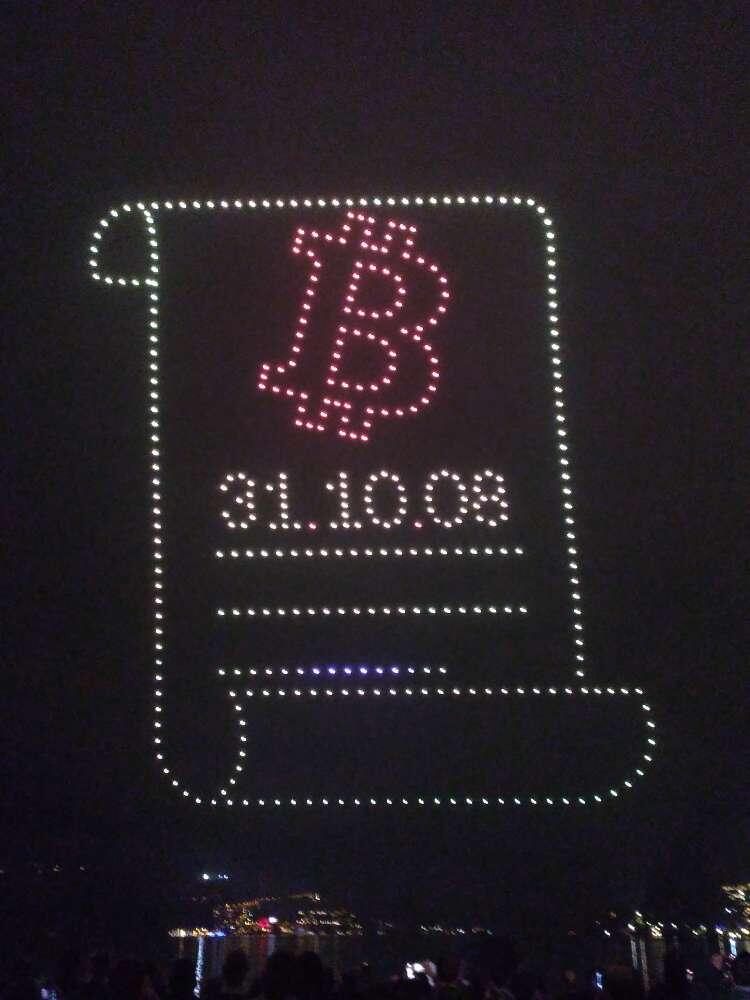
Vielen herzlichen Dank an Alle, welche uns ihre Stimme gegeben haben und uns so zum Publikumspreis beim Bitcoin Award an der @npub1jf5x...ejsn verholfen haben πŸ™‚πŸ™‚πŸ™‚ image
Bitagent ist beim Publikumspreis des Bitcoin Awards der @Swissbitcoincon unter den letzten Drei. Bitte voted fΓΌr uns und kommt an der Konferenz an unserem Stand vorbei. Vielen Dank und bis dann πŸ™‚ bitcoin-award.com/publikumspreis/
# Connect Zeus with ZeroTier to LND ## 1 Sign up at zerotier and create a network - visit - sign up - create a network and you get a `network-id` ## 2 Install zerotier on your lnd node and join the network - log in with `ssh` to your node - visit - go to linux and copy the desired install command - paste and execute the install command on your node - you got a `zerotier-address` for the lnd node - test the zerotier-cli `sudo zerotier-cli info` - join the network with the node `sudo zerotier-cli join network-id` ## 3 Authorize the lnd node to the network - visit - select the network with the `network-id` - auth the `zerotier-address` of the lnd node - you get a `managed-ip` for the lnd node ## 4 Configure and restart lnd - locate `lnd.conf` on your node `sudo find . -name lnd.conf` - edit `lnd.conf` with vi or nano - add an additional `tlsextraip=managed-ip` line - save and exit `lnd.conf` - restart lnd ## 5 Install zerotier on your mobile device and join the network - install `ZeroTier One` from the app store - start the app and you will see the `zerotier-address` for the device at the bottom - press add network and scan the `network-id` on `my.zerotier.com` - press add ## 6 Authorize the mobile device to the network and connect - auth the `zerotier-address` of the mobile device on `my.zerotier.com` - connect in the app to the network with the `toggle switch` on the right side ## 7 Configure zeus and connect with zerotier to lnd - open the nodes in the zeus app - open an existing tor node config or add an new one - duplicate the tor node config - change the host to `https://managed-ip` of the lnd node - use tor `no` - certificate validation `no` - press save node config - connect ## Sources - - - #bitcoin #selfcustody #plebchain
↑